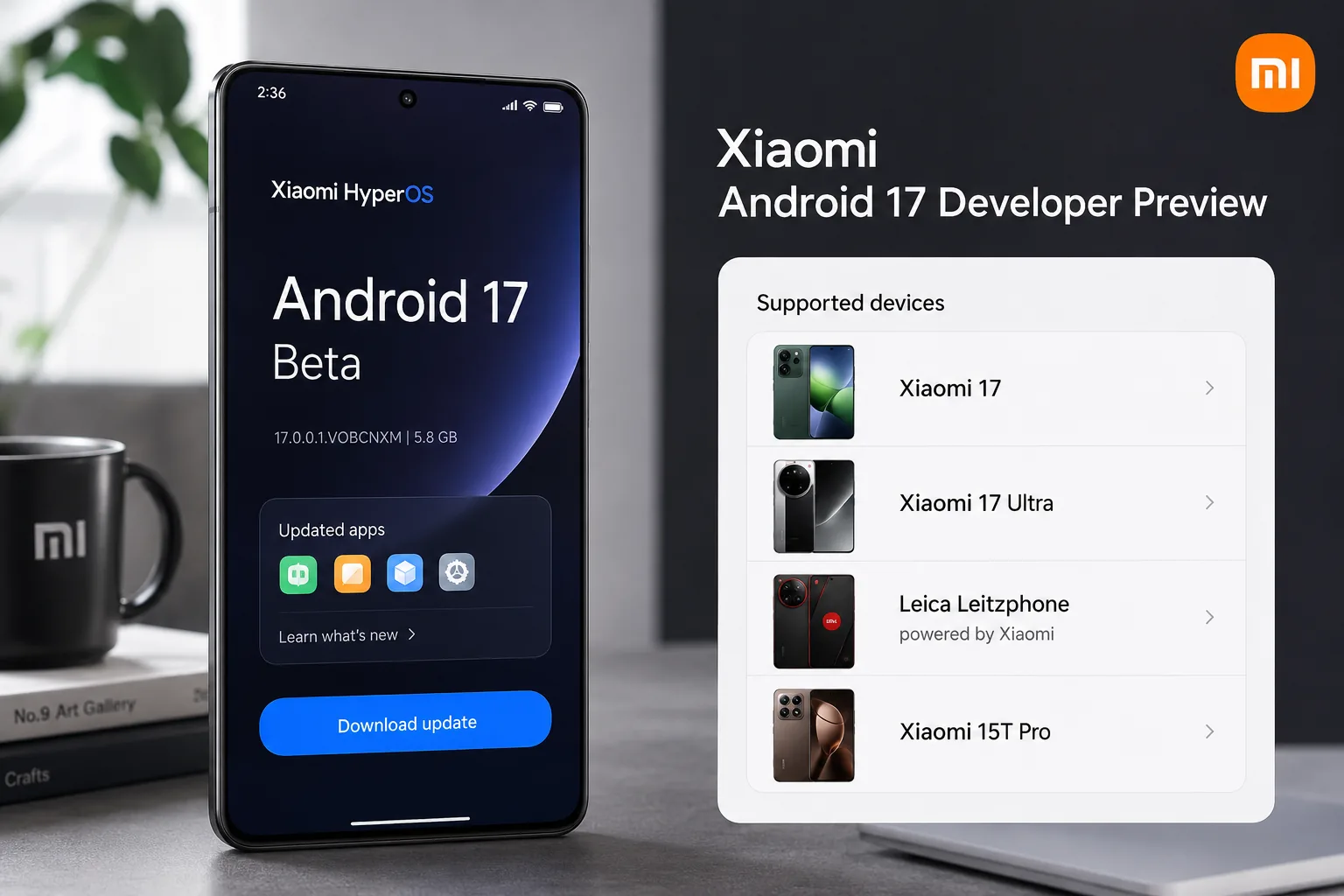
Xiaomi has quietly become one of the early brands to publish an Android 17 Developer Preview outside Google’s own Pixel lineup, and that makes the current list of Xiaomi Android 17 supported devices especially important for developers and enthusiasts. If you have been waiting to test Android 17 features on Xiaomi hardware, the official program is now live, but it is limited to a small number of phones and it comes with a few important warnings.
The big headline is simple: four Xiaomi-branded devices are officially included in the Android 17 Developer Preview Program, and Xiaomi has also published the required base builds and download links. This is useful if you want to test app compatibility, check HyperOS behavior on Android 17, or simply understand which current Xiaomi flagships are already in the early rollout.
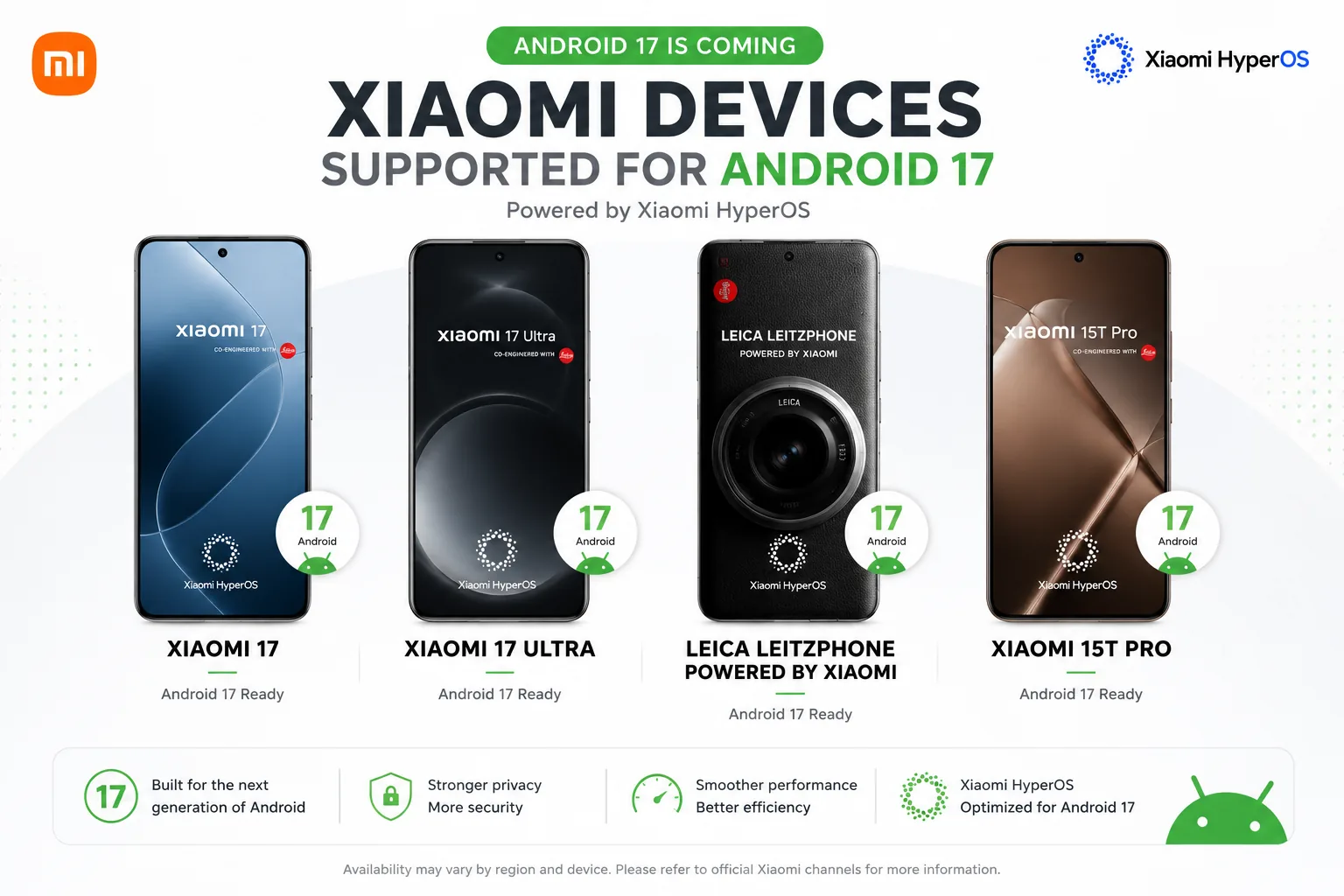
Xiaomi Android 17 supported devices
According to Xiaomi’s official Android 17 Developer Preview page, these are the supported models right now:
| Device | Status | Required base version before flashing | Notes |
|---|---|---|---|
| Xiaomi 17 | Supported | OS3.0.301.0.WPCMIXM | Official Android 17 beta build available |
| Xiaomi 17 Ultra | Supported | OS3.0.9.0.WPAMIXM | Shares support track with Leica Leitzphone powered by Xiaomi |
| Leica Leitzphone powered by Xiaomi | Supported | OS3.0.9.0.WPAMIXM | Listed together with Xiaomi 17 Ultra |
| Xiaomi 15T Pro | Supported | OS3.0.11.0.WOSMIXM | Official Android 17 beta build available |
That means the current Xiaomi Android 17 supported devices list is still very selective. This is not a broad public rollout, and it does not mean older Xiaomi, Redmi, or POCO phones are getting stable Android 17 right away.
What Xiaomi’s Android 17 preview actually means
This release is best understood as a developer testing program, not a normal consumer software update. Xiaomi says developers can flash the preview ROM and start testing immediately, but it also makes two things very clear:
- Android 17 is still in beta.
- Flashing the ROM wipes the device.
In other words, this build is mainly for:
- app developers testing compatibility
- power users who are comfortable with manual updates
- reviewers and enthusiasts tracking early HyperOS and Android changes
If your phone is your only daily-use device, this is probably not the update to install right away.
Required builds before you install Android 17 on Xiaomi
One of the easiest ways to get stuck during a preview install is starting from the wrong firmware. Xiaomi specifically says you must first upgrade to the matching version that supports the Android 17 beta package.
Here is the official requirement again in a simpler format:
- Xiaomi 17 must be on
OS3.0.301.0.WPCMIXM - Xiaomi 17 Ultra and Leica Leitzphone powered by Xiaomi must be on
OS3.0.9.0.WPAMIXM - Xiaomi 15T Pro must be on
OS3.0.11.0.WOSMIXM
That requirement matters because Xiaomi ties the preview package to security patch compatibility. If you skip this step, the update may fail or create extra problems during installation.
How to install Android 17 on a Xiaomi phone
If your model is on the supported list, Xiaomi’s official install flow is fairly direct. Here is the safer version of the process in plain English.
1. Back up everything first
Xiaomi says flashing the ROM will erase all data on the device. Back up:
- photos and videos
- app data you cannot easily restore
- 2FA backups and login details
- local files and downloads
2. Download the official ROM package
Use the official Xiaomi support page for the correct Android 17 beta package for your exact model. Do not use random mirrors if you can avoid it.
3. Move the ZIP file into the Download folder
Xiaomi says to copy the ROM upgrade ZIP into:
File Manager > Download
4. Enable the local update option
Go to:
Settings > About phone
Tap Xiaomi HyperOS at the top multiple times until the local package option is enabled.
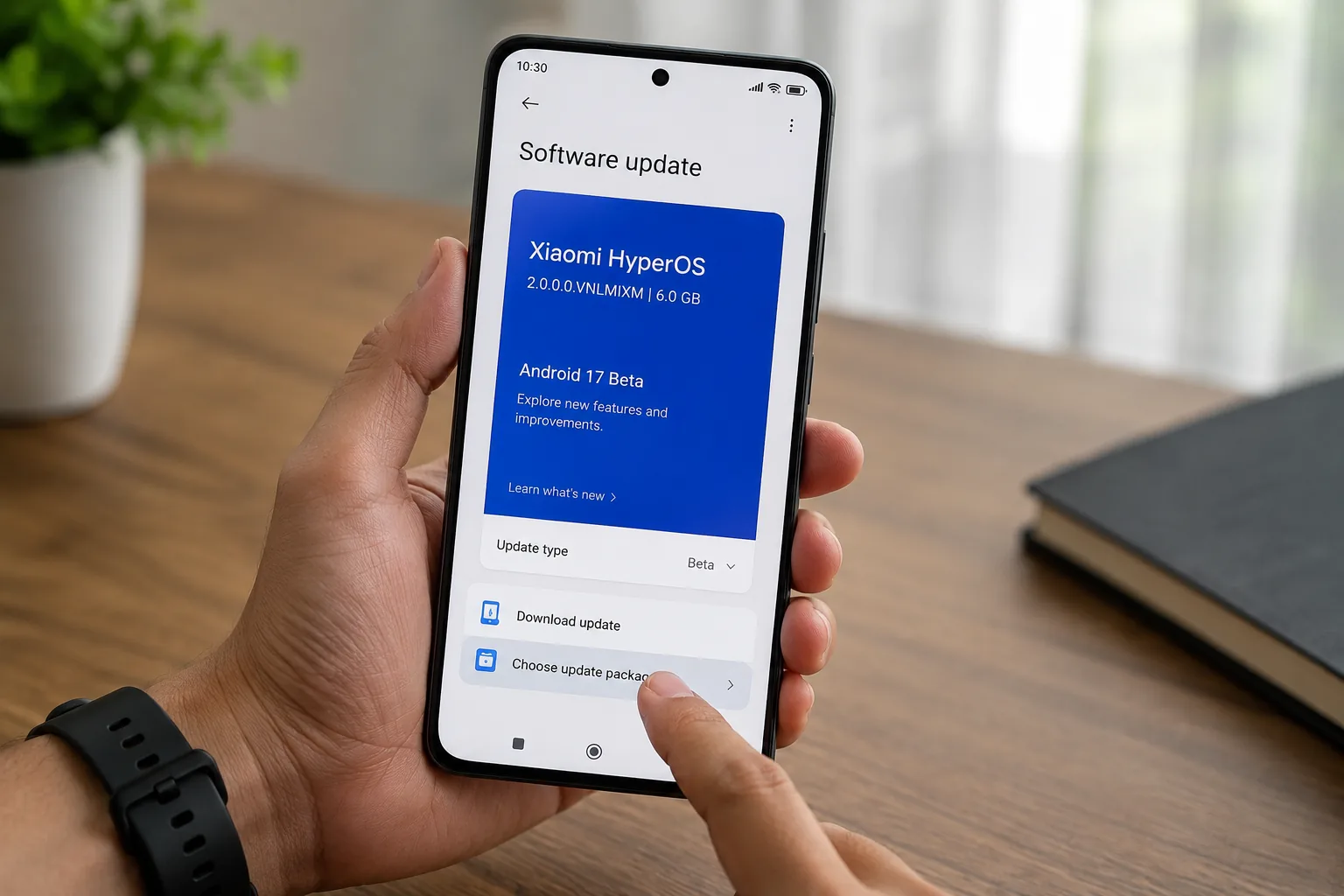
5. Choose update package
Tap the three-dot menu in the top-right corner and select Choose update package.
6. Select the downloaded ROM file
Pick the Android 17 beta ZIP and start the installation.
7. Wait for the phone to complete the update
Do not interrupt the process. Keep enough battery charge before you begin.
What’s new in Android 17 that makes this preview worth testing?
If you are wondering why developers would bother with an early build, the answer is that Android 17 is already shaping up as a meaningful platform update.
Based on Google’s public Android 17 beta information, some of the more practical areas include:
- better large-screen behavior and stricter resizability expectations
- new local network access protections
- certificate transparency enabled by default for newer targets
- photo picker customization options
- camera and media improvements
For Xiaomi developers, this preview matters because it lets them test how those changes behave inside Xiaomi’s HyperOS environment before the stable cycle becomes more crowded.
Who should install it and who should wait?
Install it if:
- you build Android apps
- you test app UI on Xiaomi hardware
- you want early access and can tolerate bugs
- you have a secondary device for experiments
Wait if:
- this is your primary phone
- you rely on banking, work, or security-sensitive apps
- you are not comfortable with manual update packages
- you want stable battery life and predictable performance
This is the most important point for ordinary readers: the Xiaomi Android 17 supported devices list may look exciting, but “supported” here means eligible for preview testing, not “ready for everyone.”
Why this matters for HyperOS users
Xiaomi’s software story now matters more than it did a few years ago because updates, device eligibility, and rollout timing are a major reason people choose between Xiaomi, Samsung, OnePlus, and Pixel. An early Android 17 program signals that Xiaomi wants to look more serious about developer readiness and platform speed.
It does not automatically tell us when the stable HyperOS-based Android 17 rollout will arrive for a wider set of devices. Still, it gives us an early clue about where Xiaomi is focusing first:
- current flagship phones
- premium-tier software support
- developer-facing compatibility testing
That is useful if you are tracking future HyperOS Android 17 rollout expectations.
Conclusion
The official Xiaomi Android 17 supported devices list currently includes Xiaomi 17, Xiaomi 17 Ultra, Leica Leitzphone powered by Xiaomi, and Xiaomi 15T Pro. Xiaomi has also published the required base versions and manual install path, making this one of the clearest early Android 17 preview rollouts from a major phone brand.
For developers and advanced users, this is a good moment to test app behavior and system changes on Xiaomi hardware. For regular users, the smarter move is to watch the preview from a distance and wait for a more stable release.
FAQ
Which Xiaomi phones support Android 17 right now?
Xiaomi officially lists Xiaomi 17, Xiaomi 17 Ultra, Leica Leitzphone powered by Xiaomi, and Xiaomi 15T Pro in its Android 17 Developer Preview Program.
Is Xiaomi Android 17 stable?
No. This is a developer preview build, so Xiaomi warns that stability issues can happen and it is not recommended for daily use.
Will installing Android 17 erase data on my Xiaomi phone?
Yes. Xiaomi says flashing the ROM will erase all data, so a full backup is essential before installation.
Can Redmi or POCO phones install this Android 17 preview?
Not based on Xiaomi’s current official list. Only the four listed models are part of the preview program at the moment.


