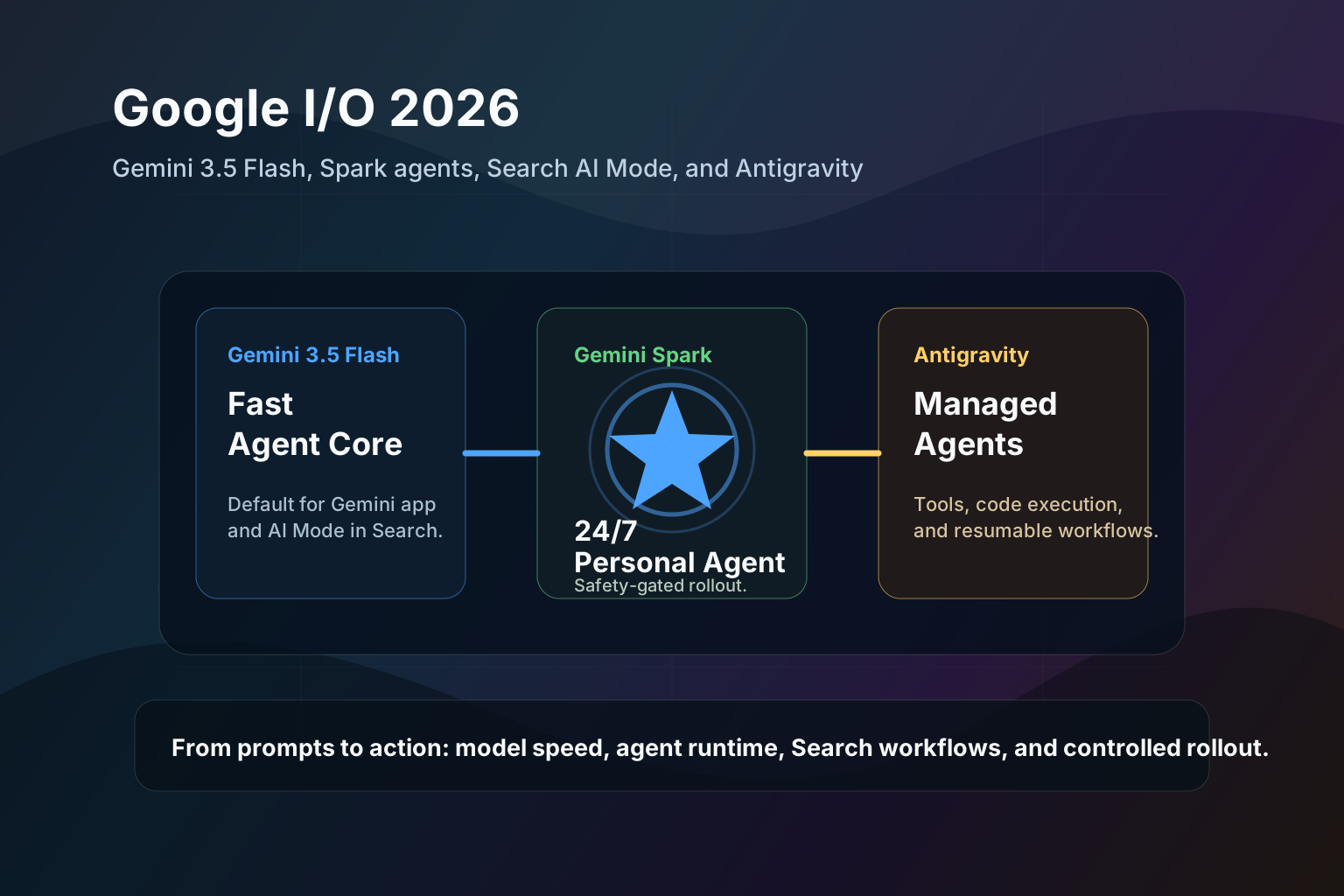
Google's May 26 Android Developers recap made the post-I/O AI story much more concrete for app builders. Android is no longer being framed only as a phone operating system with a chatbot on top. Google is positioning Android as an "intelligence system" where apps can expose actions to agents, run small models on device, route harder work to the cloud, and render agent output as native UI.
This May 27, 2026 guide breaks down the parts developers should understand first: AppFunctions, Gemini Nano 4, ML Kit GenAI, Firebase AI Logic hybrid inference, A2UI, and ADK for Android.
The short version
| Android AI update | What it does | Why developers should care |
|---|---|---|
| AppFunctions | Lets apps expose tools, services, and data to the system and agents | Apps can become callable capabilities inside Android's AI layer |
| Gemini Nano 4 preview | Brings next-generation on-device Gemini Nano prototyping through AICore | More private, lower-latency AI features can run locally |
| ML Kit GenAI Prompt API | Production path for Gemini Nano 4 features on flagship devices later this year | Moves on-device AI from demo to shippable app capability |
| Structured Output API | Lets developers define object-shaped outputs from prompts | Reduces brittle parsing and improves production reliability |
| Prefix caching | Reuses recurring prompt state for faster on-device inference | Helps local model features feel responsive |
| Firebase AI Logic hybrid inference | Routes requests between on-device and cloud models | Lets apps choose privacy, latency, or capability per task |
| A2UI renderer | Lets agents express UI that can render as native Compose components | Agent responses can become interactive app interfaces |
| ADK for Android | Experimental kit for multi-agent workflows across local and cloud models | Android app agents can coordinate context, sessions, and orchestration |
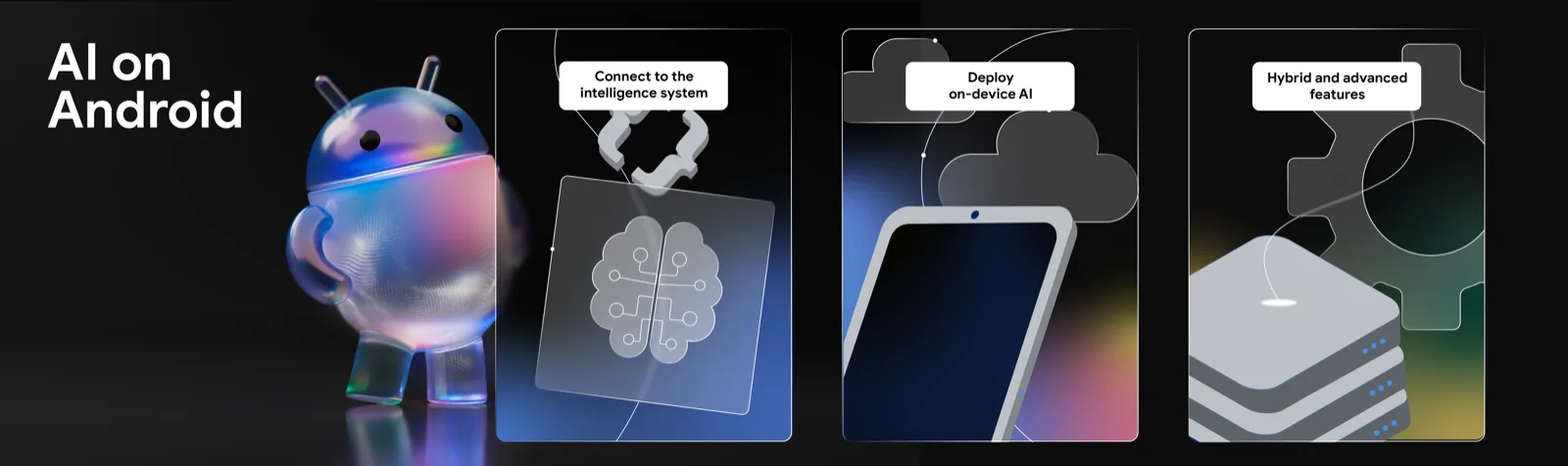
Image source: Android Developers Blog.
The pattern is clear: Google is not asking every Android developer to build a full frontier model. It is giving apps smaller integration points so agents can safely use the capabilities apps already own.
Why this is today's AI tech story
The AI race often focuses on model names, but the bigger product question is distribution. A model matters when it reaches the surfaces people already use. Android is one of those surfaces.
The Android Developers post says Google introduced Android's shift from an operating system to an intelligence system at I/O 2026. It also says agents like Gemini can already navigate apps for task automation, and AppFunctions gives developers more control over how their apps integrate with that system.
That is a meaningful change for app strategy. If users begin asking an agent to "book it," "summarize this," "prepare the message," or "track this," the apps that expose clear, trusted actions may become easier for agents to use. Apps that hide all capability behind fragile screens may be harder to automate reliably.
AppFunctions: Android MCP for real app capabilities
AppFunctions is the most important piece to understand first. Google describes it as a platform API and Jetpack library, currently in experimental preview, that allows an app to act as an on-device Model Context Protocol server.
In practical terms, that means your app can expose structured functions instead of making an AI agent infer everything by tapping through screens.
Image source: Android Developers.
Example app functions might include:
- Create a new note with title and body.
- Search existing receipts by merchant and date.
- Add a habit check-in for today.
- Draft a message to a contact without sending it.
- Return available appointment slots.
- Export a task list as structured data.
That is a healthier pattern than screen scraping. The app decides what tools are available, what data can be returned, and what actions require confirmation.
What developers should expose first
Do not start by exposing every action your app can perform. Start with actions that are useful, low-risk, and easy to verify.
| Good first function | Why it is safe enough to start |
|---|---|
| Search app content | Read-only and easy to audit |
| Draft an item | User can review before saving or sending |
| Summarize local content | Useful without creating irreversible side effects |
| Create a reminder | Simple confirmation path |
| Export selected data | User controls scope |
Avoid high-risk actions at first:
- Sending money.
- Deleting records.
- Publishing public content.
- Changing security settings.
- Sending messages without a review step.
The best agent integration is not the one with the most power. It is the one with the clearest boundary.
Gemini Nano 4 and the on-device path
Google says developers can already preview the next generation of Gemini Nano models through the AICore Developer Preview. It also says Gemini Nano 4 is coming to flagship devices later this year through ML Kit GenAI APIs.
That gives Android developers two paths:
| Path | Best use |
|---|---|
| AICore Developer Preview | Prototype and test future on-device model behavior |
| ML Kit GenAI Prompt API | Build production-ready on-device features when device support arrives |
On-device AI is not just a privacy checkbox. It can change product feel. Features like short summaries, rewrite suggestions, local classification, offline drafting, and lightweight extraction can respond quickly without a round trip to a server.
Good local candidates:
- Summarize a note or transcript.
- Extract structured fields from text.
- Classify support tickets or journal entries.
- Rewrite a short message in a different tone.
- Suggest tags for local content.
- Create action items from a meeting note.
Bad local candidates:
- Deep research across the live web.
- Very long multi-document reasoning.
- High-stakes medical, legal, or financial advice.
- Large codebase analysis.
- Tasks that require current external data.
Structured output matters more than flashy demos
One understated update is the upcoming Structured Output API for ML Kit GenAI. It lets developers define object classes to be returned from the Prompt API.
That matters because production apps usually do not need a poetic paragraph. They need predictable data.
For example, instead of asking for:
Summarize this receipt and tell me the merchant, total, and date.A production app wants something like:
{
  "merchant": "Cafe Example",
  "total": 18.42,
  "currency": "USD",
  "date": "2026-05-27"
}
Structured output reduces fragile regex parsing, improves validation, and gives developers a clearer error path when the model cannot confidently produce the expected shape.
Prefix caching: small optimization, big UX effect
Google also highlighted prefix caching for on-device inference. The idea is simple: if part of a prompt repeats often, the system can store and reuse intermediate model state instead of recomputing from scratch.
This matters for app features with a stable instruction block:
- "Classify this message into one of these categories..."
- "Extract these fields using this schema..."
- "Rewrite in this product's house style..."
- "Summarize using this short format..."
For users, the result should be less waiting. For developers, it means prompt design can become part of performance engineering.
Hybrid inference: choose local or cloud per task
Firebase AI Logic Hybrid Inference may become the practical bridge between on-device AI and cloud models. Google says it provides routing between on-device models and cloud infrastructure, with modes like PREFER_ON_DEVICE, PREFER_CLOUD, ONLY_ON_DEVICE, and ONLY_CLOUD.
That gives developers a decision matrix:
| Mode | Use when |
|---|---|
ONLY_ON_DEVICE | Sensitive content, offline tasks, low-latency short requests |
PREFER_ON_DEVICE | Default local-first UX with cloud fallback |
PREFER_CLOUD | Complex tasks where quality matters more than latency |
ONLY_CLOUD | Tasks that need large context, live data, or frontier model capability |
The best apps will not treat local and cloud AI as enemies. They will route intelligently.
A2UI: agents need native interfaces
A2UI is the sleeper update. Google says the new A2UI library allows agents to "speak UI," with an upcoming Jetpack Compose renderer that can automatically render A2UI messages as native UI components.
That points to a future where an agent response is not just text. It might become:
- A checklist.
- A picker.
- A comparison table.
- A confirmation card.
- A settings panel.
- A booking flow.
For mobile, this matters a lot. Text-only agents are awkward when the user needs to compare options or confirm an action. Native UI gives the app room to keep the user in control.
ADK for Android and multi-agent app workflows
Google also announced the first experimental ADK for Android. It is meant for building multi-agent workflows across on-device and cloud models while managing orchestration, context, and sessions.
That does not mean every app needs multiple agents. It means Android is preparing for app experiences where small specialized agents cooperate:
- One local agent extracts facts from user content.
- One cloud agent plans a multi-step task.
- One app function retrieves account-specific state.
- One UI renderer asks the user for confirmation.
The hard part will be product design. Users should not have to understand the agent graph. They should just see a reliable workflow with clear checkpoints.
A practical build order
For most teams, the safest path is incremental:
- Identify three low-risk app actions that agents should be able to call.
- Prototype AppFunctions for read-only or draft-only workflows.
- Add one on-device Gemini Nano feature for short, private tasks.
- Use structured output wherever the app needs data, not prose.
- Add hybrid routing only after you know which tasks local models cannot handle.
- Require explicit user confirmation for any external side effect.
- Log agent actions in a user-visible history.
The last point is not optional. If an app lets AI act, users need to see what happened and undo what can be undone.
What this means for ToolMintX-style utilities
For browser-first tools, the Android direction is still relevant. It shows where utility design is heading: structured actions, local processing where possible, and explicit handoff to cloud AI only when the task needs it.
That same principle already applies to tools like Online Notepad, Text Case Converter, and AI Text Humanizer. Local tools should stay local by default. AI features should say when text is sent to a server.
Android is turning that privacy and capability split into a platform-level design pattern.
The real takeaway
The Android AI story after I/O 2026 is not "put a chatbot in every app." It is more precise than that.
Apps will expose functions. Small models will handle private, quick tasks on device. Cloud models will handle heavy reasoning. Agents will need native UI, not just text boxes. Users will need confirmation and visibility.
That is a healthier direction for AI on phones. It gives developers a path to build smarter experiences without surrendering every workflow to an opaque assistant.