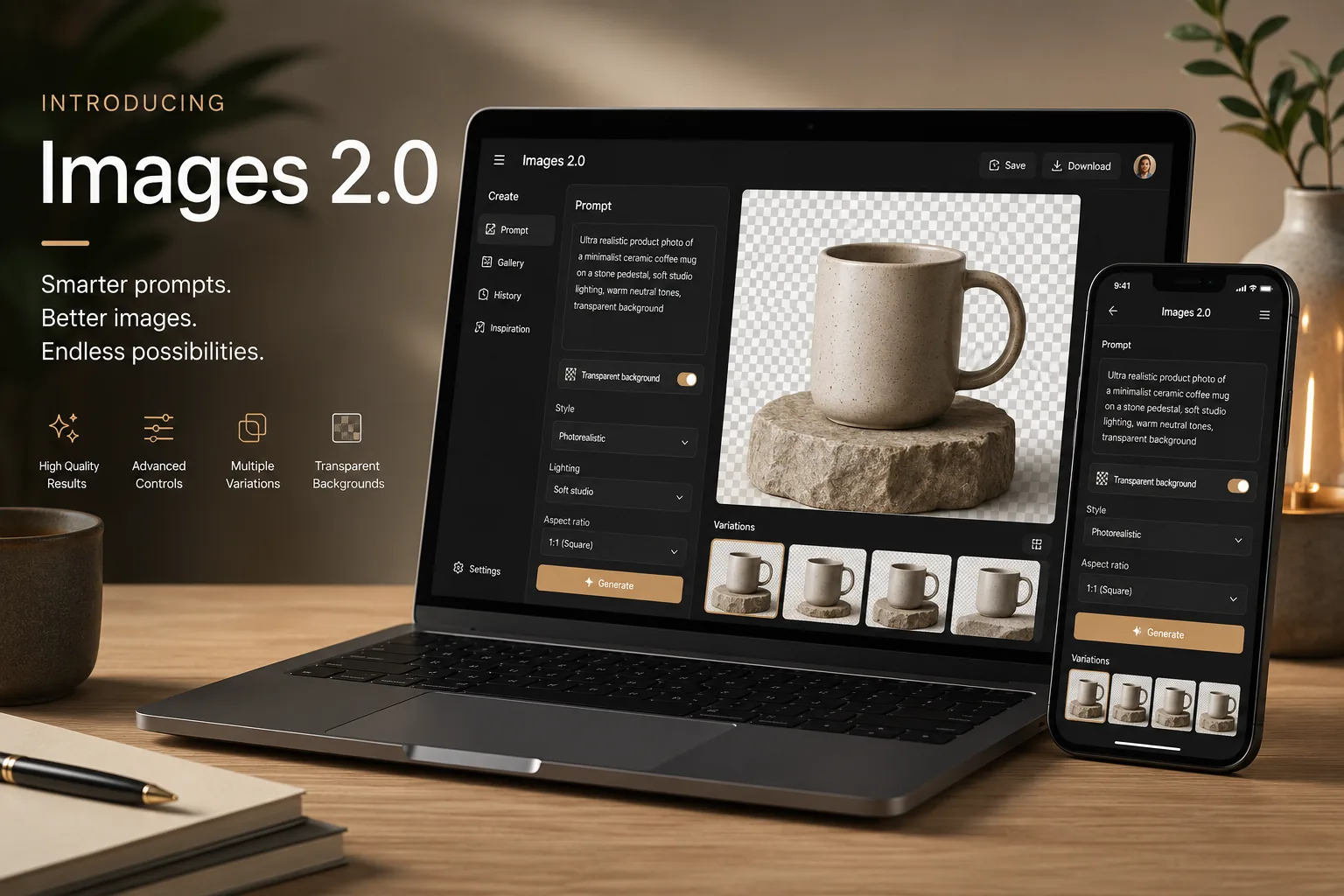
ChatGPT Images 2.0 is quickly turning into one of the most talked-about AI tool updates of the month, and for good reason. OpenAI says the new model is now available in ChatGPT, and the company is positioning it as a much more capable image system for both creating new visuals and editing existing ones.
For regular users, the story is not just “images look nicer now.” The more important shift is that ChatGPT Images 2.0 is becoming a more practical tool for real work: social graphics, product mockups, text-heavy visuals, transparent backgrounds, iterative edits, and image creation directly inside a normal chat flow.
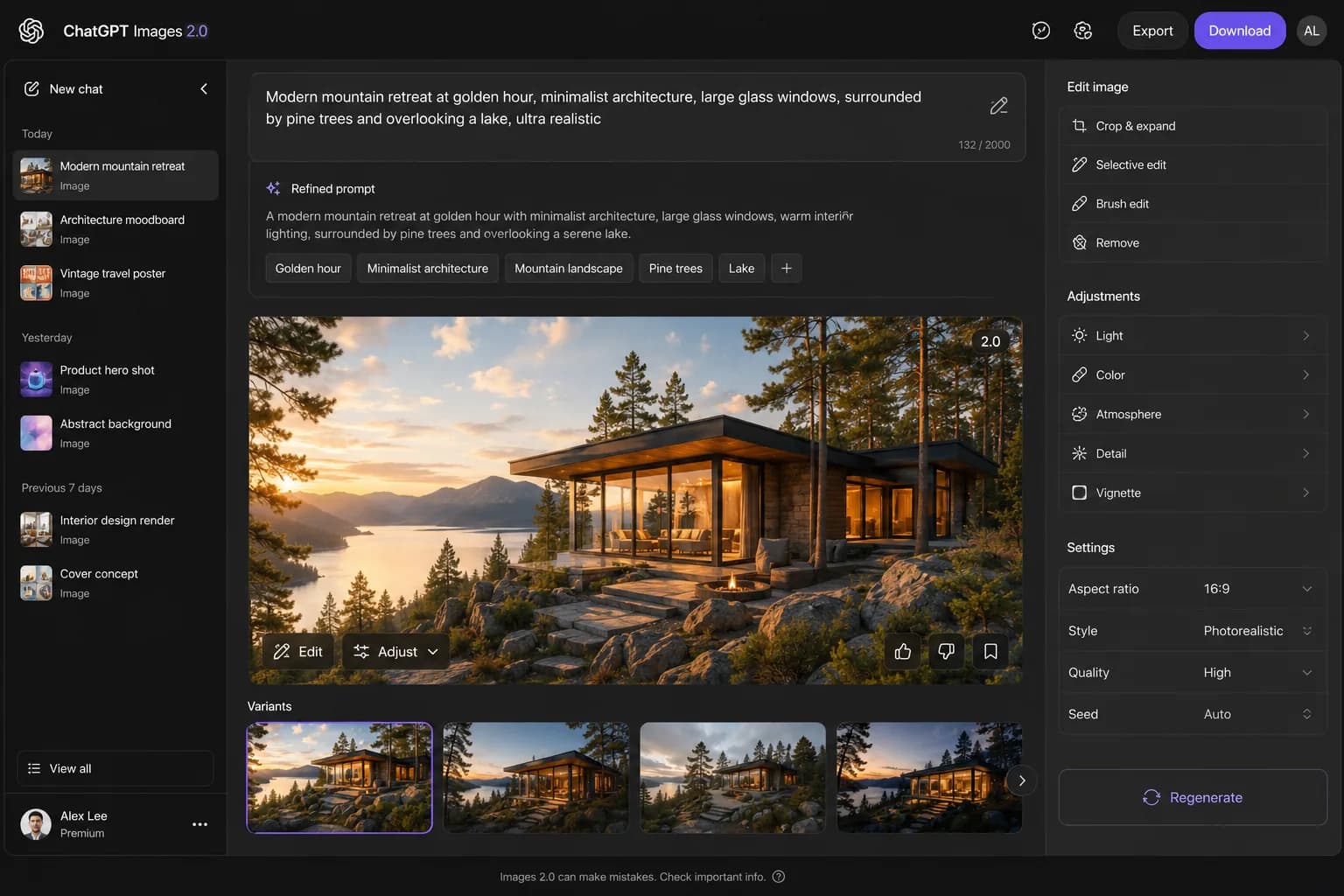
What is ChatGPT Images 2.0?
OpenAI introduced ChatGPT Images 2.0 in April 2026 as its new image generation model inside ChatGPT. OpenAI’s help documentation also says it is available on web, iOS, and Android, which matters because it makes this a mainstream app feature rather than a niche desktop-only experiment.
The core idea is simple:
- You can ask ChatGPT to create an image from a prompt
- You can upload an existing image and ask for edits
- You can request precise details like added text or transparent backgrounds
- You can revisit saved images later from the Images section
That last part is easy to overlook, but it makes the tool much more usable for ongoing projects.
ChatGPT Images 2.0 features that matter most
There are plenty of launch headlines around this model, but these are the features most likely to matter in everyday use.
1. Better instruction following
OpenAI says ChatGPT Images can follow precise instructions, including adding text, adding visual details, and creating transparent backgrounds. That sounds small until you compare it with older image tools that often ignored half the prompt.
This is one reason the model is attracting attention from creators, marketers, and small teams. It is easier to get something usable in fewer tries.
2. Editing inside the same workflow
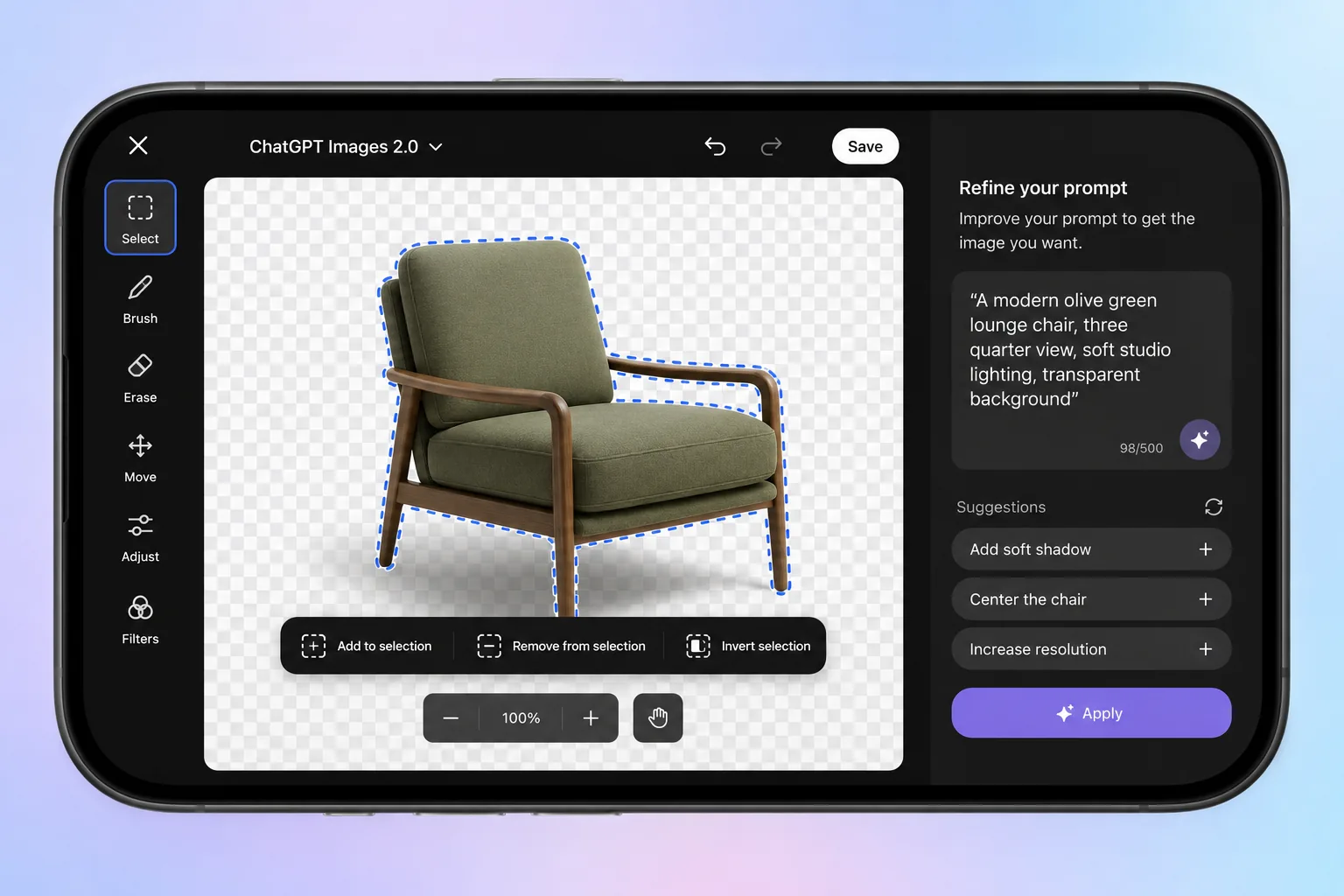
Instead of switching to a separate design tool immediately, you can generate an image, select part of it, and describe a change in natural language. You can also skip selection and describe a broader edit directly in chat.
That makes ChatGPT Images 2.0 feel less like a one-shot generator and more like a visual collaborator.
3. Images with thinking
OpenAI’s release notes say images with thinking gives the model more time to plan and refine image outputs before generating them. This is available on paid ChatGPT plans when using Thinking and Pro models.
For users making complex diagrams, multi-object scenes, or branded compositions, this may be one of the biggest practical upgrades.
4. Saved image library
OpenAI’s help center says all images you create with ChatGPT are automatically saved under Images, making it easier to revisit, reuse, and continue earlier work.
That is the sort of feature casual users may ignore, but it matters a lot if you create content regularly.
Who gets ChatGPT Images 2.0?
This is where many users are searching for quick answers.
| Feature | Availability |
|---|---|
| ChatGPT Images 2.0 | All ChatGPT tiers |
| Image editing | Web, iOS, and Android |
| Images with thinking | Plus, Pro, and Business now; Enterprise and Edu coming soon |
| Saved images library | Available in ChatGPT Images workflow |
The most important takeaway is that ChatGPT Images 2.0 is available on all tiers, so users do not need a paid plan just to try the core image model.
How to use ChatGPT Images 2.0 better
The fastest way to waste time with AI image tools is to use vague prompts and hope for the best. If you want stronger outputs, a little structure goes a long way.
Start with outcome, not style
Bad prompt:
“Make a cool ad image.”
Better prompt:
“Create a clean square ad for a matcha cafe, with a premium iced strawberry matcha in the center, soft daylight, modern Japanese-inspired typography, and space at the top for a short headline.”
Tell it what must be readable
If text inside the image matters, say so clearly:
- exact headline text
- exact button text
- exact label text
- preferred language
Use edits instead of restarting
If the first draft is close, do not throw it away immediately. Ask for one focused change at a time:
- “Keep the layout, but change the background to warm cream.”
- “Make the headline larger and easier to read.”
- “Replace the cup with a glass bottle.”
Ask for transparency when needed
This is one of the most practical upgrades. If you need a sticker, logo mockup, or product cutout, directly ask for a transparent background instead of trying to remove it elsewhere later.
Best use cases for ChatGPT Images 2.0 right now
This is where the new model starts to feel genuinely useful.
Social media graphics
Quick announcement cards, vertical story visuals, and quote graphics are obvious fits.
Product mockups
Small businesses can create launch concepts, packaging ideas, menu visuals, and simple hero images without opening a full design suite first.
Blog and thumbnail concepts
Publishers can use it to explore visual directions faster before moving to final production assets.
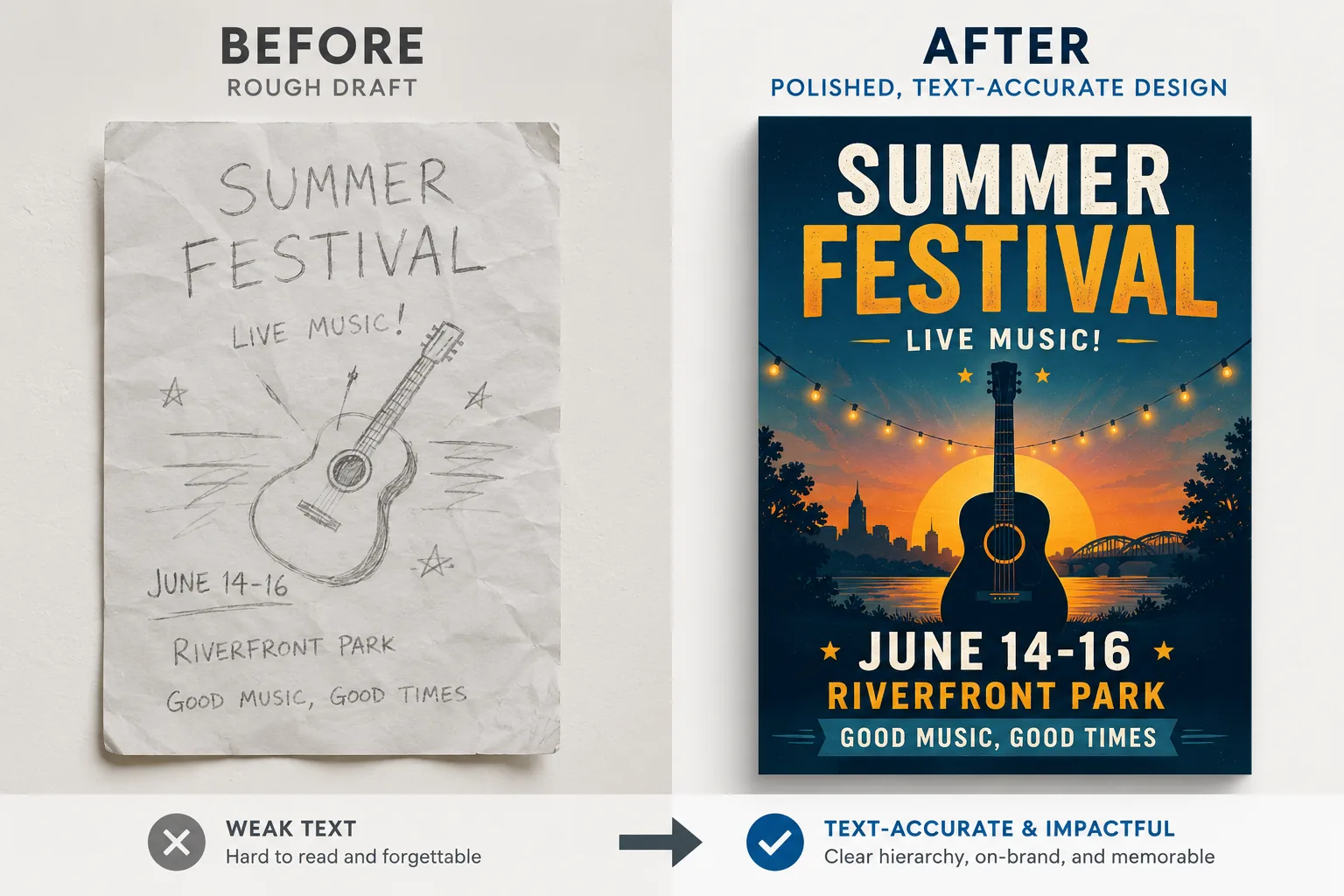
Explainers and text-led visuals
Because text rendering and instruction following appear to be a core focus, it is much more relevant for posters, infographics, and educational visuals than many earlier AI image tools.
Where ChatGPT Images 2.0 still has limits
No image model is perfect, and it helps to say that clearly.
- Fine edits can still affect nearby areas more than expected
- Complex branded layouts may still need manual cleanup
- Exact consistency across many images is better than before, but not guaranteed
- Some outputs are still more concept-ready than publish-ready
So the smartest approach is to treat ChatGPT Images 2.0 as a faster creative starting point and, in many cases, a strong near-final asset generator for lightweight production work.
ChatGPT Images 2.0 FAQ
Is ChatGPT Images 2.0 free to use?
The core model is available on all ChatGPT tiers, according to OpenAI’s help documentation.
Can I edit an existing image with it?
Yes. You can upload an image and describe the edits you want, or edit an image created in ChatGPT.
What is images with thinking?
It is a mode OpenAI says gives the model more time to plan and refine outputs before generation. It is currently available on paid plans using Thinking and Pro models.
Can it create transparent background images?
Yes. OpenAI specifically says ChatGPT Images can follow instructions to create transparent backgrounds.
Where do my generated images go?
OpenAI says your created images are automatically saved under the Images section so you can browse and reuse them later.
Sources and official references
- Introducing ChatGPT Images 2.0
- Images in ChatGPT - OpenAI Help Center
- ChatGPT release notes - OpenAI Help Center
Conclusion: ChatGPT Images 2.0 is becoming a practical everyday AI tool
The biggest reason ChatGPT Images 2.0 matters is not hype. It is that the tool is becoming easier to use for everyday visual work. Better instruction following, built-in editing, transparent backgrounds, and image saving all push it closer to a tool people can actually depend on.
If you have ignored AI image generation because older tools felt inconsistent or too messy, this update is a good reason to test again. For many users, ChatGPT Images 2.0 may be the first version that feels more useful than experimental.


