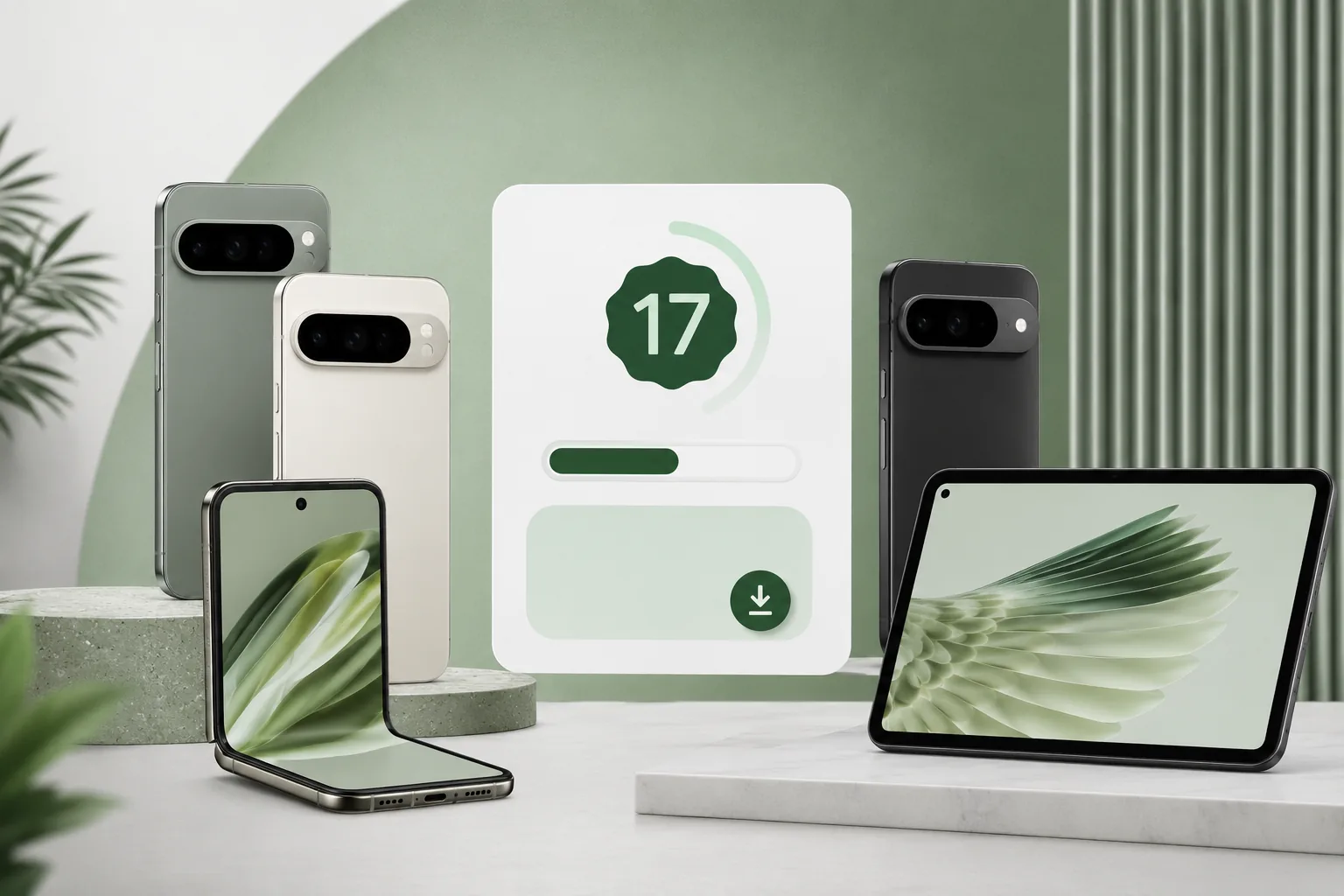
Android 17 QPR1 Beta 2 is now available for supported Pixel devices, and this is the kind of beta update that is useful for more than headline-chasing. Google released the build on May 6, 2026, with practical fixes for Terminal, lock screen layout, signal bars, themed icons, recent-apps glitches, navigation gestures, Bluetooth tethering, and an F2FS file-system issue.
If you have been waiting for a less experimental way to test Android 17 on a real Pixel, this release is worth checking. Google says QPR beta builds are suitable for general use, which makes them different from rougher early developer previews. The real question is simple: is your device eligible, and should you install it today?
Android 17 QPR1 Beta 2 supported devices
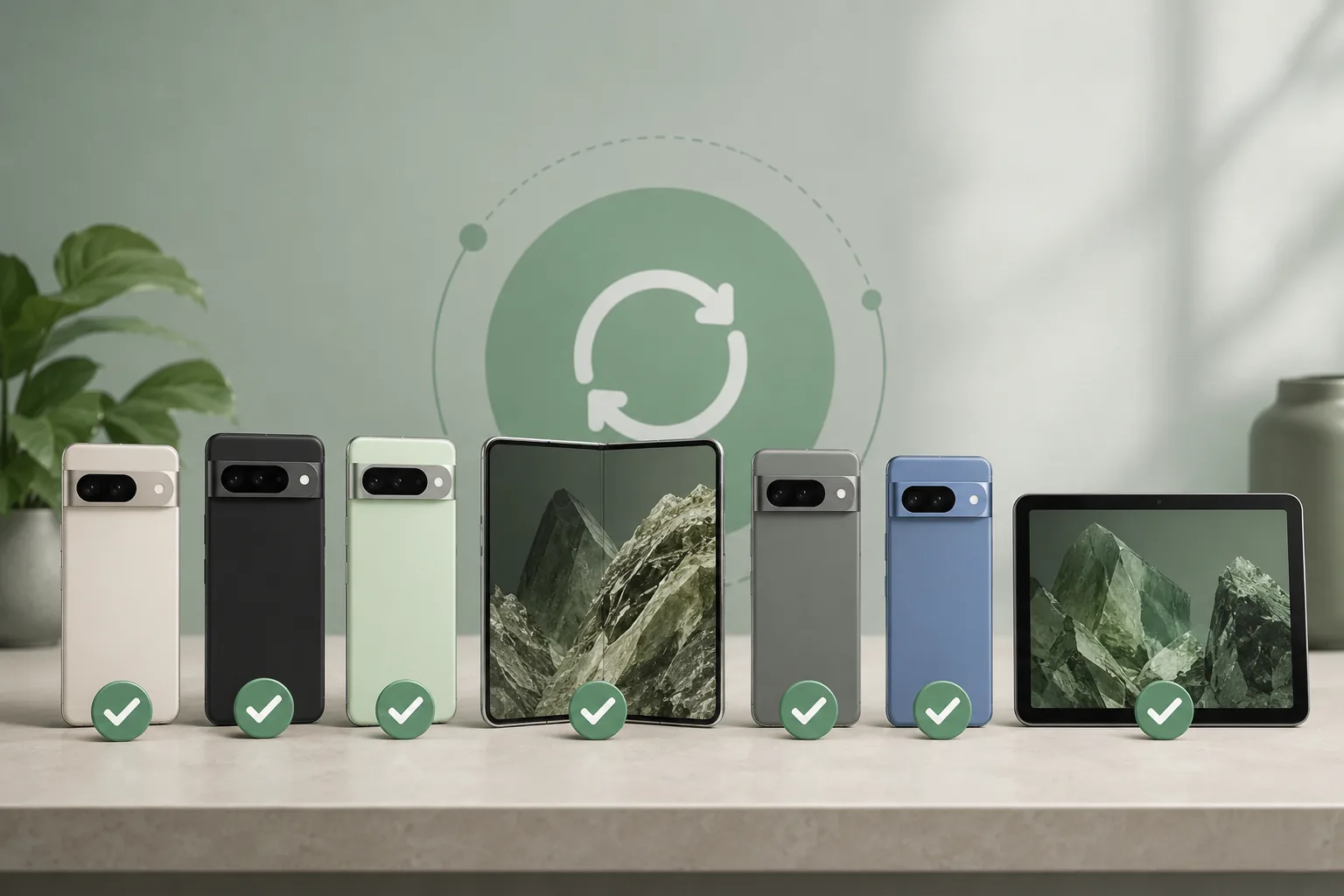
Google currently offers Android 17 QPR1 OTAs and downloads for the following Pixel devices:
| Device family | Eligible models |
|---|---|
| Pixel 6 series | Pixel 6, Pixel 6 Pro, Pixel 6a |
| Pixel 7 series | Pixel 7, Pixel 7 Pro, Pixel 7a |
| Foldable and tablet | Pixel Fold, Pixel Tablet |
| Pixel 8 series | Pixel 8, Pixel 8 Pro, Pixel 8a |
| Pixel 9 series | Pixel 9, Pixel 9 Pro, Pixel 9 Pro XL, Pixel 9 Pro Fold, Pixel 9a |
| Pixel 10 series | Pixel 10, Pixel 10 Pro, Pixel 10 Pro XL, Pixel 10 Pro Fold |
That is a broad list. Google is supporting hardware from the Pixel 6 generation through the Pixel 10 family, plus the Pixel Fold and Pixel Tablet. That makes the beta relevant for regular phone users, foldable testers, tablet users, and developers checking large-screen behavior.
What Android 17 QPR1 Beta 2 changes
This beta is not a flashy feature dump. It is a stability and polish update in the QPR cycle. QPR builds continue refining Android after the main platform release track and eventually feed into Pixel Feature Drop style updates.
The most useful fixes in Android 17 QPR1 Beta 2 include:
- Terminal app launch failure fixed
- Lock screen date and weather overlap near the fingerprint area fixed
- Mobile signal bars no longer incorrectly appear empty or greyed out when connectivity is active
- Oversized themed app icons on the home screen corrected
- F2FS file-system bug fixed to reduce corruption or instability risk
- Recent-apps visual glitches fixed
- Navigation swipe gesture issue fixed
- Bluetooth tethering toggle reset issue fixed
For ordinary Pixel users, this is the real value of the update. It makes the Android 17 QPR beta feel more livable rather than just newer.
Why this beta is different from early previews
Beta software is still beta software. Apps can misbehave, battery life can change, and a rollback can be annoying. But QPR beta builds sit in a more comfortable middle ground than the earliest developer previews for a major Android version.
Google says Android 17 QPR beta builds are suitable for general use. That does not mean risk-free. It means the release is aimed at developers, early adopters, and careful enthusiasts rather than only people with spare test devices.
The May 6 Beta 2 build number is CP31.260423.012.A1, with the April 2026 security patch level and Google Play services 26.15.32.
How to install Android 17 QPR1 Beta 2
If your Pixel is on the supported-device list, there are two main install paths.
Option 1: Android Beta for Pixel program
This is the easiest route for most people.
- Visit the Android Beta for Pixel program page while signed in with the Google account linked to your Pixel.
- Choose your eligible Pixel device.
- Enroll the device in Android 17 QPR1 Beta.
- Wait for the over-the-air update to appear.
- Install it from
Settings > System > Software update.
Google says most users do not need a full data reset to move into the Android 17 QPR1 beta, but backing up before enrollment is still the right move.
Option 2: Android Flash Tool or manual image
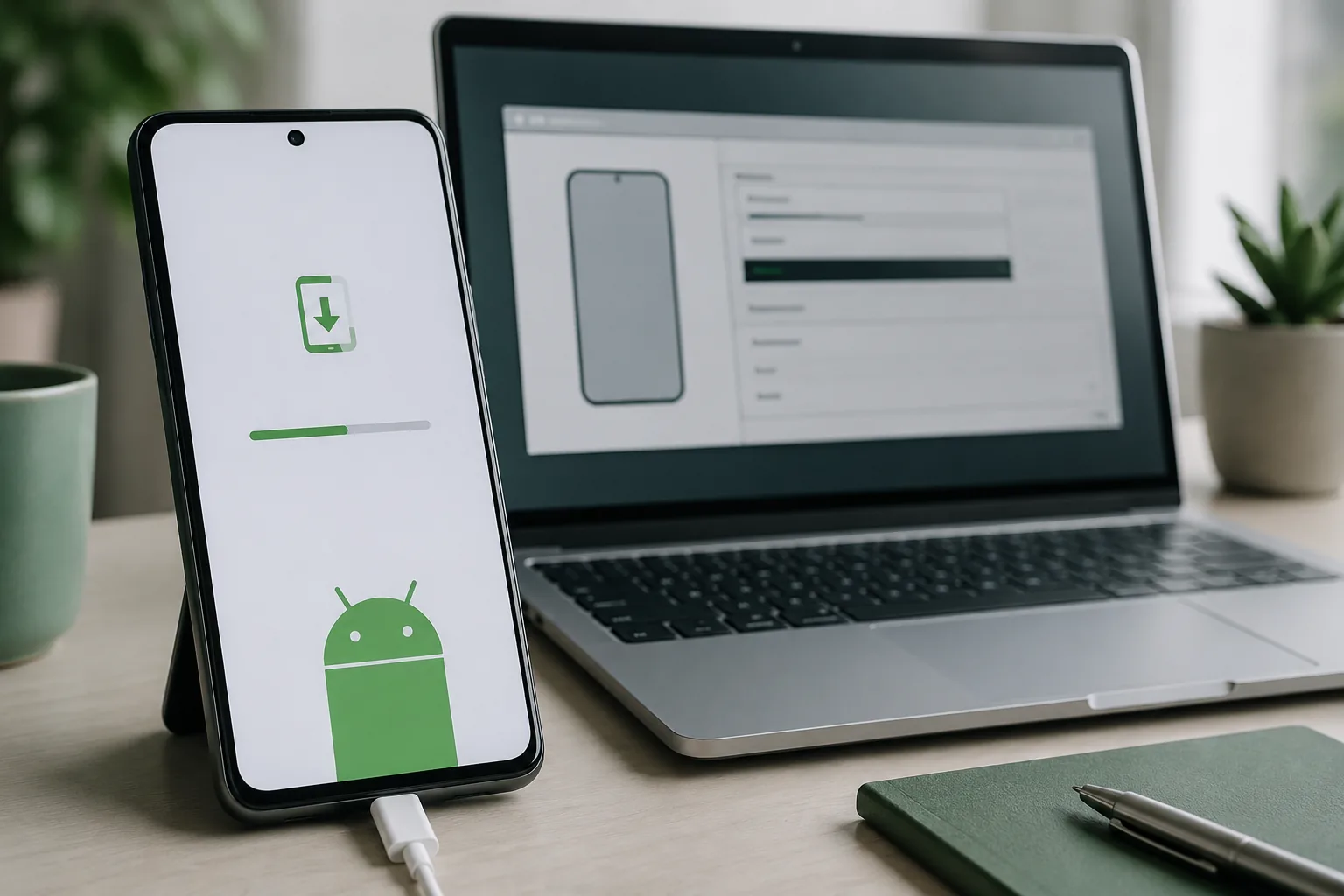
Advanced users can use Android Flash Tool or manually flash the correct Pixel system image. This makes sense when you need a clean install, repeatable testing, regression checks, or manual recovery options.
Google notes that after flashing a beta build to a supported Pixel device, the device is automatically enrolled for later beta OTA updates through the final release.
Before you enroll
The install path is easy, but the exit path deserves attention. Leaving a beta track at the wrong time can require a data wipe if you roll back to stable before a no-wipe opt-out window is available.
You should also keep expectations realistic:
- Banking, payment, and work apps can misbehave on beta software.
- Battery life may fluctuate from build to build.
- Some bugs can linger until the next beta.
- If your Pixel is your only phone, waiting is safer.
If you do install, update your apps first and give the phone a day or two to settle before judging battery life.
Who should install it today?
Android 17 QPR1 Beta 2 makes the most sense for:
- Pixel enthusiasts who like testing current Android builds
- Developers who need Android 17 QPR behavior on real hardware
- Power users who can tolerate occasional instability
- Fold and Tablet users testing adaptive app behavior
You should probably skip it if your phone is business-critical, you do not keep backups, or you dislike troubleshooting even small issues.
Final verdict
For the right user, Android 17 QPR1 Beta 2 is a strong entry point. The supported-device list is generous, the install path is straightforward, and the fix list is practical.
If your Pixel is eligible and you have been waiting for a more polished Android 17 beta build, this is one of the better points to try it. Just back up your data first and make sure your must-have apps can survive a beta.
FAQ
Which phones support Android 17 QPR1 Beta 2?
Eligible models currently span Pixel 6 through Pixel 10 series, plus Pixel Fold and Pixel Tablet.
Is Android 17 QPR1 Beta 2 safe for daily use?
Google says QPR beta builds are suitable for general use, but beta software can still cause app issues, battery quirks, or rollback problems.
Do I need to wipe my Pixel to join the beta?
Google says most users do not need a full reset to move into Android 17 QPR1 Beta, though backing up first is recommended.
How do I install Android 17 QPR1 Beta 2 without the beta program?
Use Android Flash Tool or manually flash the correct system image for your supported Pixel device.


