Stylised bio text is not a font, and that changes what it costs you
Every "Instagram fonts" tool works the same way, including ours. It does not change your typeface. Instagram has no typeface setting in a bio. What these tools do is swap each letter for a different character that happens to look like a styled version of it — pulling from a Unicode block called Mathematical Alphanumeric Symbols, which exists so mathematicians can write 𝐀 and 𝔄 and 𝔸 as distinct symbols with distinct meanings.
That distinction is invisible until it bites, and it bites in three specific places.
It eats your character budget. An Instagram bio caps at 150 characters. A plain-text bio of 34 letters costs 34. The same 34 letters in bold occupy 61 UTF-16 code units and 115 bytes, because every character above U+FFFF is stored as a surrogate pair. Platforms disagree about which of those numbers they count. Where a limit is enforced on UTF-16 units — the common case, since that is what JavaScript's .length returns — a 150-character bio holds about 75 styled letters, not 150.
Screen readers do not read it. A screen reader encountering 𝓑𝓮𝓵𝓵𝓪 does not see the name Bella. It sees eleven mathematical symbols and announces them as such, or skips them. So does search. A stylised bio is, to anything that is not a pair of human eyes, close to meaningless.
Some characters do not exist. This is the one nobody mentions, and we shipped it ourselves until this week. The Mathematical Alphanumeric block is not a clean 26-letter run. Twenty-four code points inside it are permanently reserved and unassigned, because those particular letters were encoded years earlier in a different block called Letterlike Symbols. Script capital B is not at U+1D49D; it lives at U+212C. Fraktur H is not at U+1D50B; it is at U+210C.
Any tool that does plain offset arithmetic — take the letter's position in the alphabet, add it to the start of the range — lands directly on those holes and emits a code point that is not a character. Browsers render it as a hollow box. In practice: script style broke on the capitals B, E, F, H, I, L, M and R, and the lowercase e, g and o. Fraktur broke on C, H, I, R and Z. Double-struck broke on C, H, N, P, Q, R and Z. Italic broke on a single letter, lowercase h.
Read that list against real names and it is not an edge case. Bella broke. Riya broke. Home Rentals broke. Roughly a third of the capitals in the two most popular decorative styles produced a box instead of a letter, and the user had no way to know except by pasting it into Instagram and looking.
We fixed it by mapping all 24 holes to their real Letterlike Symbols code points, verified character by character against the Unicode charts for U+1D400 and U+2100. If you are using a different styler, the test takes five seconds: type Bella and ask for script. If the B is a box, the tool is doing offset arithmetic and you should assume every style it offers has holes in it.
What stylised text is actually good for
Given all that, the honest use is narrow: one line, for human eyes, where the content does not need to be found.
A name or a tagline in the middle of an otherwise plain bio survives fine. Your niche, your city and your call to action should stay in plain text, because those are the words someone might search and the words a screen reader has to reach. Styling the whole bio does not double the impact; it just makes the profile unreadable to assistive technology and unsearchable at the same time.
The decorations are a safer bet than the letter substitutions. Wrapping plain text in » « or 【 】 costs a couple of characters and leaves every letter intact and readable. You get the visual break without trading away the meaning.
Where the AI tools fit, and what they can and cannot do
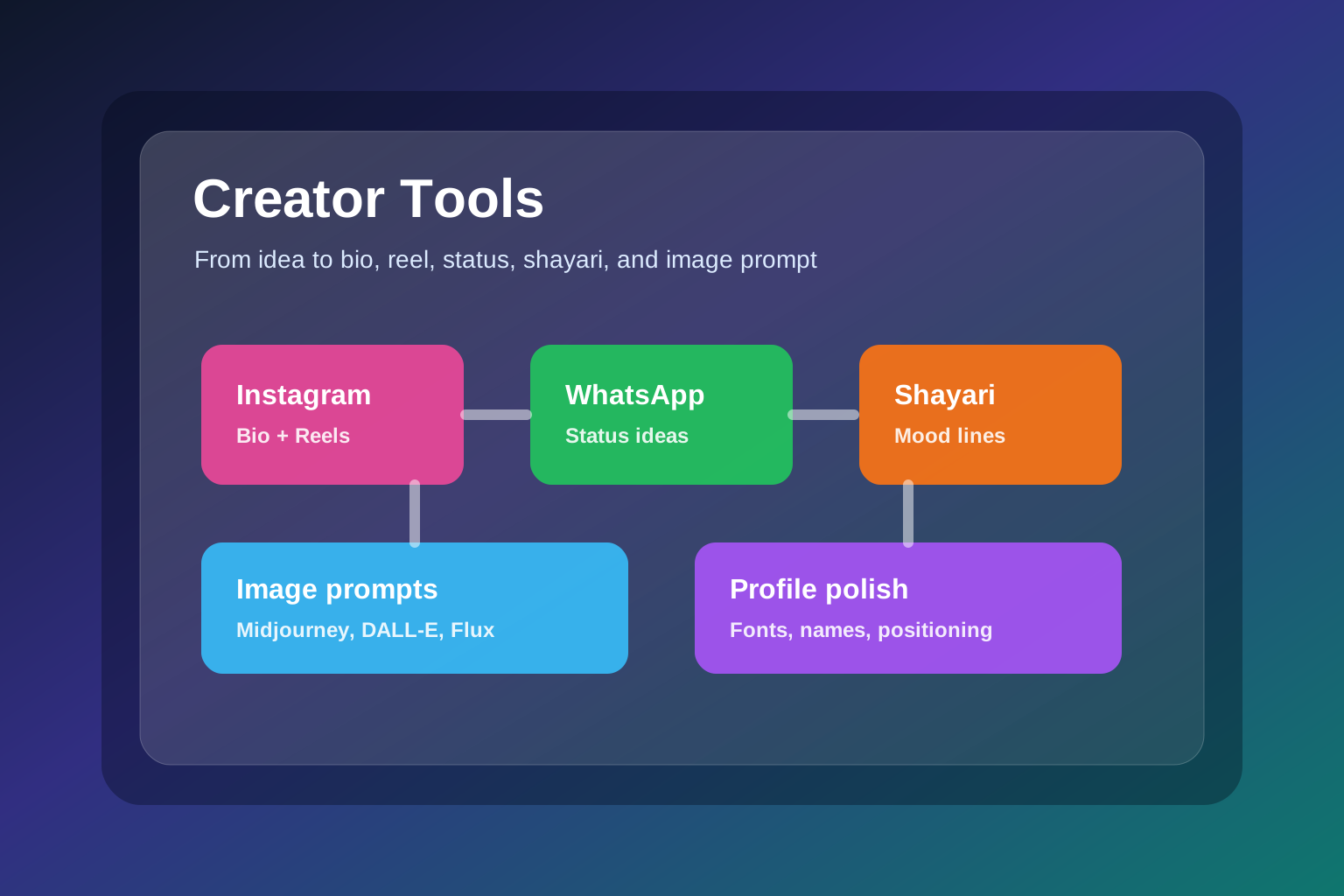
The rest of the creator stack is generation rather than transformation, and the constraint is different: these tools call a language model, so they are not private in the way the styler is.
| Tool | What it returns | Runs |
|---|---|---|
| Instagram Fonts & Text Styler | 16 Unicode styles plus 8 decorations | In your browser |
| Instagram Bio Generator | 5 bios, one per style, each under 150 characters | Via an AI model |
| Instagram Username Generator | 15 handles, tagged by style, Instagram's character set only | Via an AI model |
| Instagram Reel Script Writer | Hook, body, CTA, visual notes, caption | Via an AI model |
| WhatsApp Status Generator | 10 short status lines | Via an AI model |
| AI Shayari Generator | 7 shayaris by mood | Via an AI model |
| AI Image Prompt Generator | 5 prompts for Midjourney, DALL-E, Stable Diffusion, Flux | Via an AI model |
The styler is the only one of the seven that never sends anything anywhere — it is arithmetic on your text, done locally. The other six post your input to a model, which is why the site shows a one-time privacy confirmation before the first call. If what you are about to type is a client's unreleased product or anything you would not put in a public post, that distinction matters.
They are also rate limited to five requests per ten minutes per IP, because they run on a free model tier. That is a real constraint on workflow: you get roughly five generations to work with in a sitting, so it is worth writing a specific input rather than burning attempts on vague ones and regenerating.
Each tool also has a fixed output contract rather than an open-ended reply — five bios, fifteen usernames, seven shayaris. The counts are enforced in the prompt, which is why you get a list you can scan rather than a paragraph you have to read.
Writing an input that does not waste an attempt
Given five attempts per ten minutes, the difference between a usable draft and a bland one is entirely in what you put in. The models are instructed to invent nothing — if you say "photographer", they will not add a city or a client list. That is deliberate, and it means a thin input produces a thin output by design, not by failure.
So specify the things a generic prompt leaves out:
- Audience, concretely. Not "young people" — college students in a tier-2 city, gym beginners, new parents, freelance designers.
- Platform, because a Reel hook and a WhatsApp status have nothing structurally in common.
- Tone, and pick one. Funny and premium are different briefs; asking for both gets you neither.
- Constraint. Under 30 seconds. No hashtags. Hinglish. No emojis. Constraints do more for output quality than adjectives do.
- One real detail you have and a competitor does not: the actual product, the actual routine, the actual complaint a customer made.
The language rule is worth knowing because it is easy to trigger by accident: every one of these tools detects the script of your input and replies in the same one. Hinglish in, Hinglish out. Devanagari in, Devanagari out. They will not translate unless you ask. So if you want Hinglish output, write the input in Hinglish — asking in English for "Hinglish output" is fighting the instruction rather than using it.
Compare:
make a reel about skincareagainst
Write a 30-second Hinglish Reel for college students who forget sunscreen.
Make it funny, not preachy, and include one save-worthy tip.
The second one has an audience, a duration, a language, a tone, an explicit exclusion, and a purpose. The first has a topic.
An order that wastes fewer attempts
The sequence matters more than it looks, because each output constrains the next and going backwards costs you a generation.
Start with the image prompt if the post is visual. The visual direction — photorealistic product shot, cinematic campaign frame, stylised concept art — sets the tone that the caption then has to match. Writing the caption first and the visual second means one of them gets rewritten.
Start with the reel script if the post is video, because the hook is reusable. A good opening line becomes the caption, the status and the story text. That is one generation doing four jobs.
Do the bio and username last, and only once. They are positioning decisions, not content, and they should follow from a niche you have already settled — generating handles before you know what you post is how people end up with a handle they change three weeks later. Changing an Instagram handle costs you every link anyone has ever shared to your profile.
Use the shayari generator when the caption needs emotional weight and the status generator when it needs to be short and punchy. They are not interchangeable: one returns seven pieces with some depth, the other returns ten one-liners.
The part these tools cannot do for you
An AI draft has no idea what happened to you this week, which is the only thing that makes a post yours. The models are explicitly constrained from inventing specifics, so the specifics have to come from you — the tools get you from a blank screen to five directions in one attempt, and the editing pass is where the content becomes worth publishing.
The same applies to the styler, for a different reason. It can make one line of your bio look distinctive. It cannot make the bio say anything, and if you style all of it, you have traded away searchability and accessibility for a visual effect that most people scroll past. One line, plain rest, is the trade worth making.


