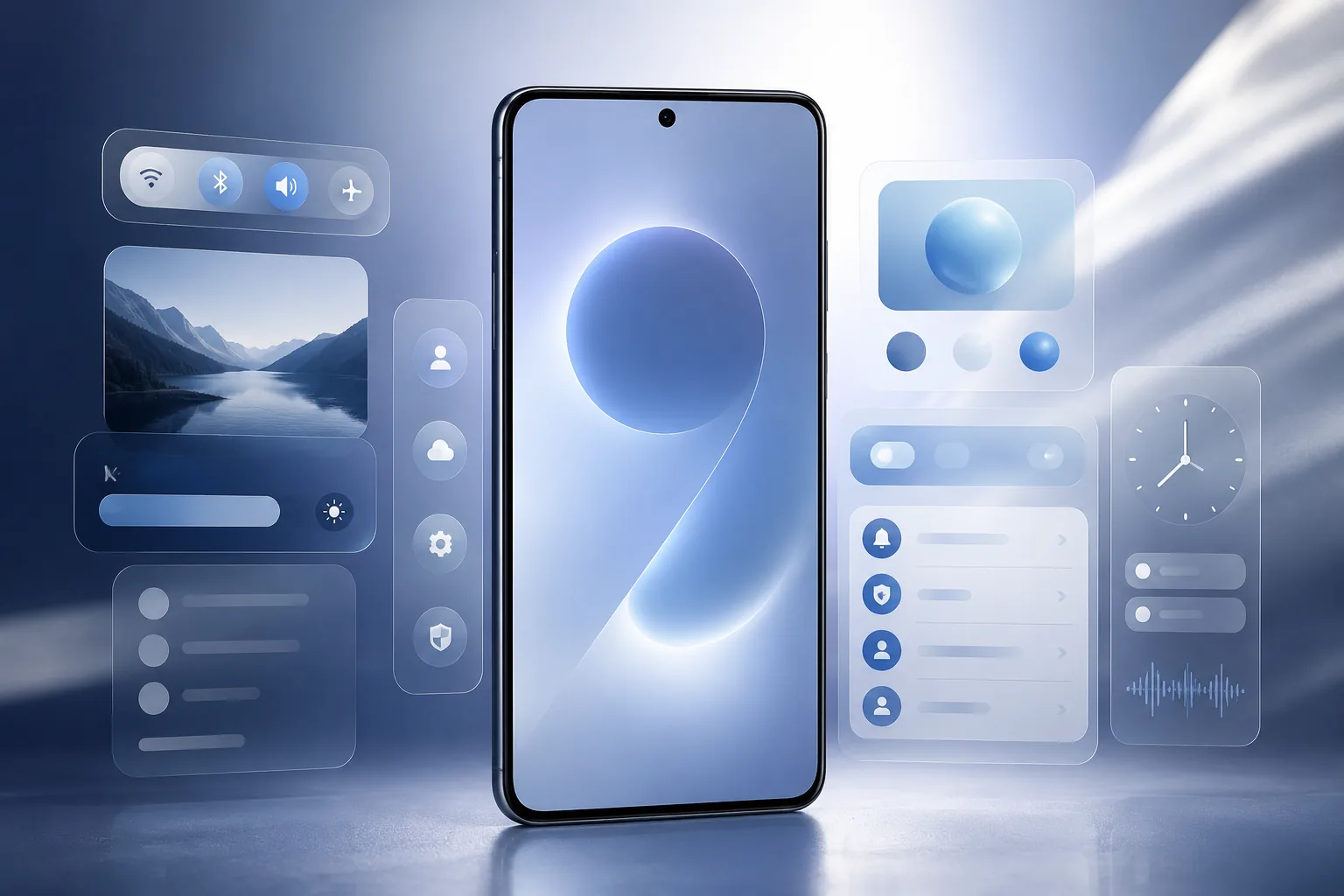
The One UI 9 beta is official, and Samsung is moving quickly with its Android 17-based software preview. Samsung announced the beta on May 12, 2026, beginning with the Galaxy S26 series in select countries.
That makes this a strong search topic right now because Galaxy users do not only want a feature list. They want to know whether their phone is eligible, whether their country is included, how Samsung Members enrollment works, and whether installing beta software on a daily phone is worth the risk.
One UI 9 beta availability
Samsung says the One UI 9 beta program begins with the Galaxy S26 series. It is not a universal rollout on day one.
| Category | Details |
|---|---|
| Eligible device line | Galaxy S26 series |
| Android base | Android 17 |
| Announced | May 12, 2026 |
| First markets | Germany, India, Korea, Poland, U.K., U.S. |
| Join method | Samsung Members app |
| Account needed | Samsung Account |
That market list matters. If you open Samsung Members and do not see the beta banner, the rollout may not be broken. Your model, carrier, country, software version, or local rollout timing may simply not be included yet.

What is new in One UI 9 beta?
Samsung is pitching One UI 9 beta as a more intuitive and personalized mobile experience, with updates across creativity, customization, accessibility, and security.
The biggest confirmed changes include:
- Samsung Notes gains decorative tapes and more pen line styles.
- Contacts connects directly to Creative Studio for personalized profile card creation.
- Quick Panel layout controls become more flexible.
- Brightness, sound, and media controls can be adjusted more independently.
- Accessibility improves with adjustable Mouse Key speed.
- TalkBack features are combined into a single package.
- Text Spotlight displays selected text larger or more clearly in a floating window.
- Security policies can warn about high-risk apps, block execution or installation, and recommend deletion.
This is not only visual polish. Samsung is trying to make One UI 9 more useful for note-taking, profile creation, accessibility, quick controls, and suspicious-app protection.
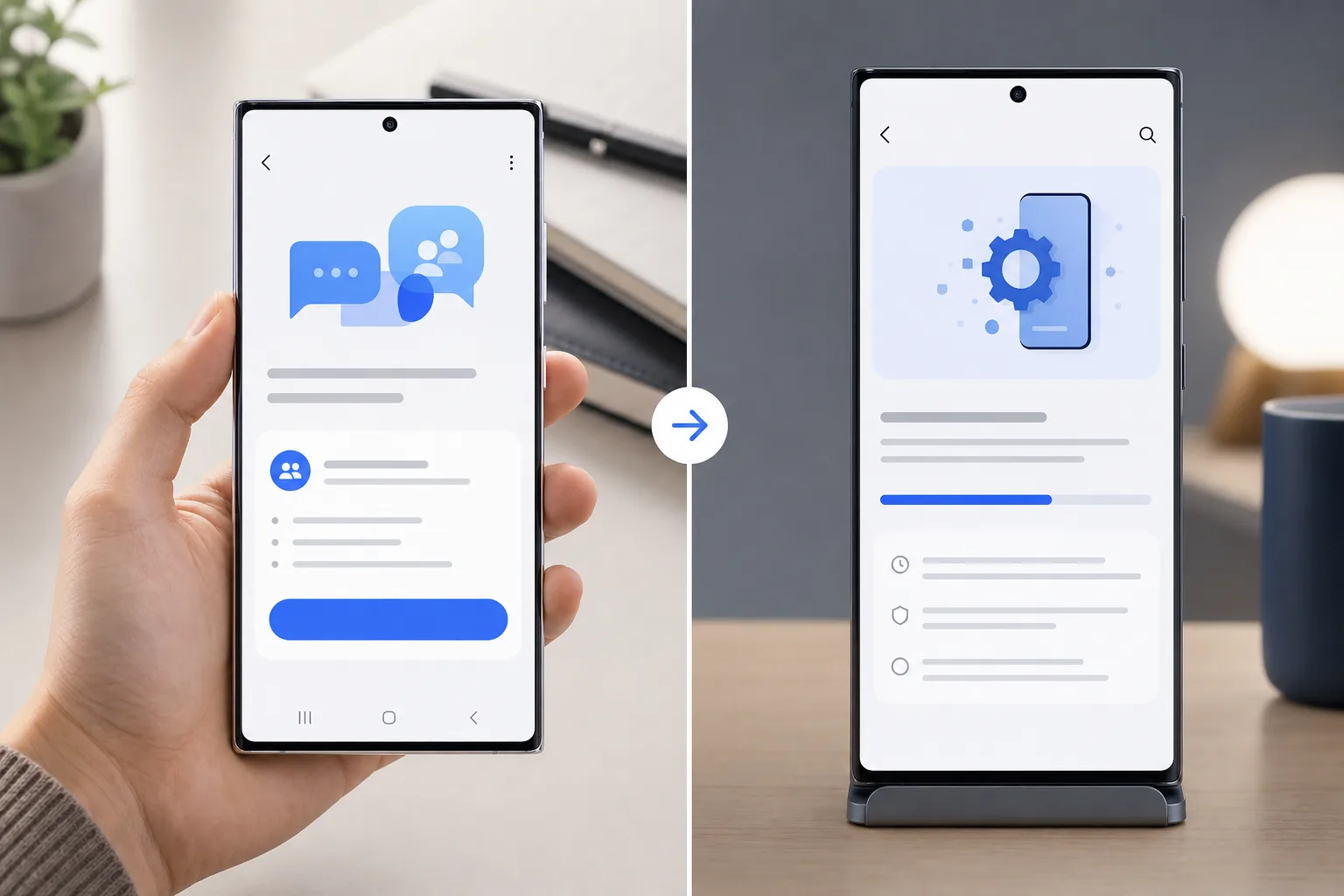
How to join One UI 9 beta
For most users, the beta path is through Samsung Members.
Step 1: Back up your phone
Samsung recommends backing up before installing beta software. Use Smart Switch on a computer for the most complete backup path, especially if the Galaxy S26 is your main phone.
Step 2: Open Samsung Members
Install or update Samsung Members from Galaxy Store or Google Play. Sign in with the Samsung Account used on your eligible Galaxy S26 device.
Step 3: Register for the beta
Look for a One UI Beta Program banner, notice, or beta card inside Samsung Members. If it appears, open it and register.
Step 4: Install the update
After registration, go to:
Settings > Software update > Download and install
Samsung also notes that beta participation and service availability can vary by country, carrier, model, and software version, so not every eligible user will see the same timing.
Should you install it now?
Install One UI 9 beta if:
- You want early access to Samsung's Android 17 experience.
- You enjoy testing new features before stable release.
- You are comfortable reporting bugs and living with rough edges.
- You have a reliable backup and a little patience.
Wait for the stable release if:
- Your Galaxy S26 is your only phone.
- You rely on banking, work, payment, or authentication apps.
- You do not want battery drain, crashes, or missing features.
- You do not want to troubleshoot update issues.
Samsung is clear that beta software is for testing. Some behavior can be incomplete, inconsistent, or unexpectedly broken.
The smarter way to try the beta
If you plan to install One UI 9 beta, do the boring preparation first:
- Update all apps before enrolling.
- Back up photos, chats, files, and authenticator recovery options.
- Confirm your Samsung Account login works.
- Use Wi-Fi for the update download.
- Keep the phone charged during installation.
- Give the phone time after the update before judging battery life.
The first beta is rarely the smoothest one. If you like the idea of One UI 9 but dislike early bugs, waiting for a later beta is a sensible middle ground.
Final verdict
The One UI 9 beta has a useful opening pitch: better creative tools, more flexible controls, accessibility upgrades, and stronger high-risk app protection. Just as important, Samsung has confirmed where the program starts and how Galaxy S26 users can join.
For users in Germany, India, Korea, Poland, the U.K., and the U.S., this is a real early-access opportunity. If your Galaxy S26 shows the beta card in Samsung Members and you have a good backup, you can try it. For most everyday users, the stable release will still be the calmer choice.
FAQ
Which phones can install One UI 9 beta right now?
Samsung says the beta begins with the Galaxy S26 series.
Which countries are included first?
Samsung lists Germany, India, Korea, Poland, the U.K., and the U.S. as the initial markets.
How do I sign up for One UI 9 beta?
Open Samsung Members on an eligible Galaxy S26, sign in with a Samsung Account, register through the beta banner or card, then install from Software Update.
Is One UI 9 beta stable enough for daily use?
It may be fine for enthusiasts, but Samsung still treats it as beta software. Bugs, incomplete features, and unexpected behavior are possible.
Does One UI 9 include Android 17?
Yes. Samsung says One UI 9 beta is built on Android 17.


