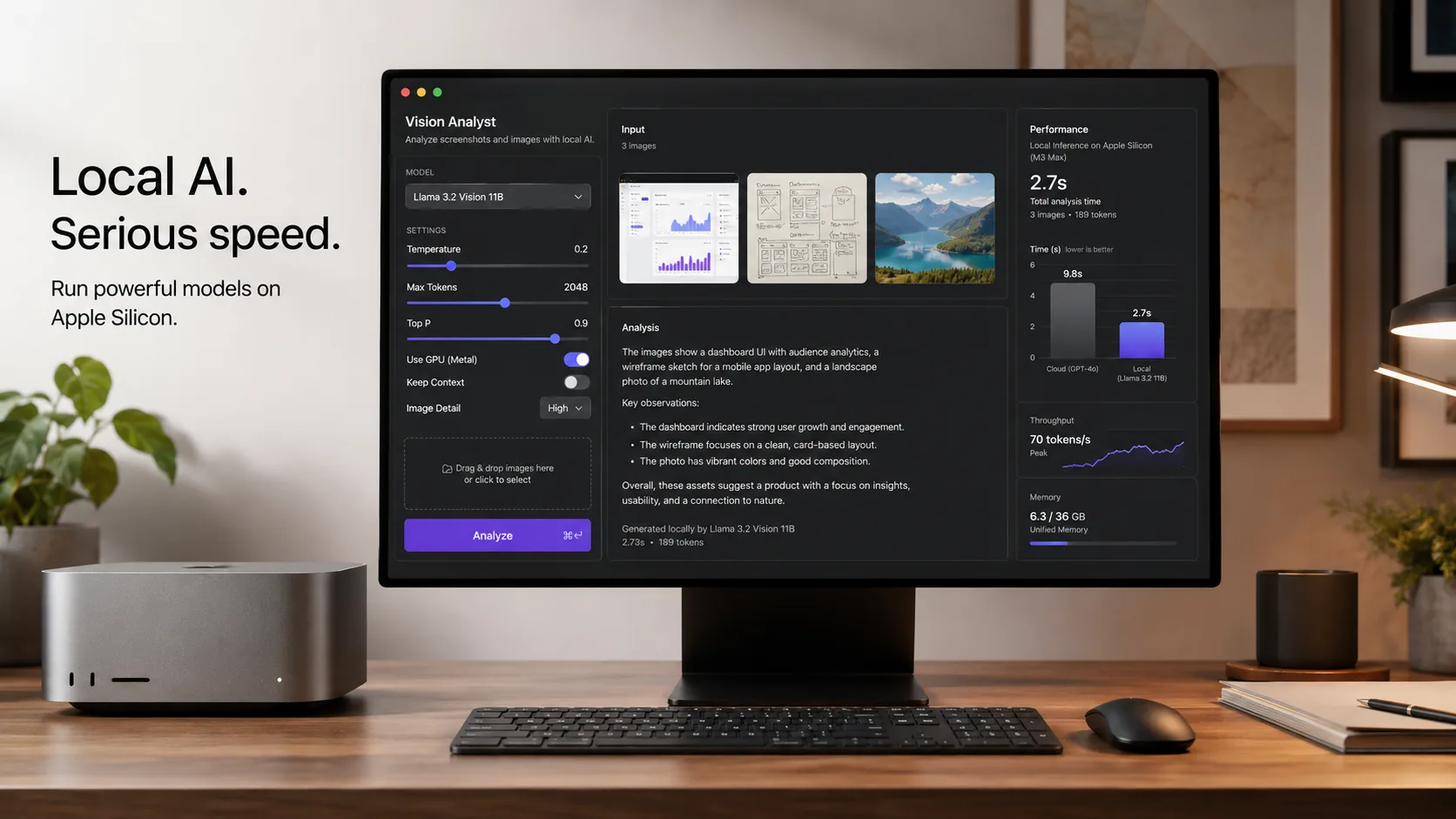
LM Studio 0.4.13 is a small-looking release with a very practical payoff for local AI users on Mac. In its May 13, 2026 changelog, LM Studio says the update brings mlx-engine v1.8.1, significantly improves performance, and adds parallel predictions for vision-capable models such as Qwen 3.5, Qwen 3.6, and Gemma 4. If you use local multimodal models on Apple Silicon, that is the kind of update worth paying attention to.
This matters because local AI on Mac is no longer just about chatting with text models. More developers and creator-tool users now want to inspect screenshots, summarize PDFs, analyze UI mockups, extract information from images, and feed visual context into agent workflows. LM Studio 0.4.13 does not launch a brand-new feature category, but it does improve the quality of everyday local vision workflows where latency and responsiveness matter.
What LM Studio 0.4.13 actually changes
The official changelog is short, but it says a lot:
mlx-engine v1.8.1significantly improves performance- parallel predictions are added for vision-capable models such as Qwen 3.5, Qwen 3.6, and Gemma 4
- a paste-related newline bug in chat input is fixed
- bug fixes and security hardening are included
- LM Studio recommends the update for all users
That recommendation is important. When a local AI tool calls out a release as recommended for everyone, it usually means the gains are broad enough that most users should not wait for a later patch unless they depend on a frozen environment.
Why Apple Silicon users should care
Apple Silicon has become one of the most practical places to run local multimodal AI, especially for people who want a polished desktop experience without building a heavyweight Linux setup first. LM Studio has been leaning into that direction for a while.
The bigger background story is LM Studio's MLX strategy. In its earlier technical write-up on the unified multi-modal MLX architecture, the company explained that it moved toward a single-path design that uses mlx-lm for the text core and modular vision add-ons from mlx-vlm. LM Studio said that change improved performance and user experience for multimodal MLX models, and even allowed text-only chats with vision-capable models to benefit from prompt caching.
That matters because local vision models can feel great one minute and frustrating the next if follow-up responses are sluggish. Performance improvements in the MLX engine are not just benchmark trivia. They determine whether local multimodal workflows feel smooth enough to use every day.
LM Studio 0.4.13 at a glance
| Area | What changed | Why it matters |
|---|---|---|
| MLX engine | Updated to v1.8.1 | Improves overall performance on Apple Silicon |
| Vision models | Parallel predictions added for Qwen 3.5, Qwen 3.6, and Gemma 4 class workflows | Helps multimodal tasks feel more responsive |
| Chat input | Newline paste bug fixed | Makes prompt editing less annoying in real work |
| Security and stability | Hardening and bug fixes | Reduces friction for daily use |
| Upgrade guidance | Recommended for all users | Signals broad benefit rather than niche experimentation |
How to upgrade to LM Studio 0.4.13
If you already use LM Studio on Mac, the upgrade path should be simple.
1. Update the app
Open LM Studio and update to version 0.4.13. If you have automatic updates enabled, confirm that the app actually moved to the latest build before testing.
2. Re-open the models you use most
After updating, reload the vision-capable models you use most often. The official changelog specifically names Qwen 3.5, Qwen 3.6, and Gemma 4, so those are natural first tests.
3. Compare real tasks, not just cold starts
Do not judge the update only by first-launch behavior. Try follow-up tasks that look like real work:
- summarize a screenshot
- inspect a UI mockup
- ask questions about an image-heavy document
- compare two product images
- extract structured notes from a diagram
These are the workflows where smoother multimodal handling usually becomes obvious.
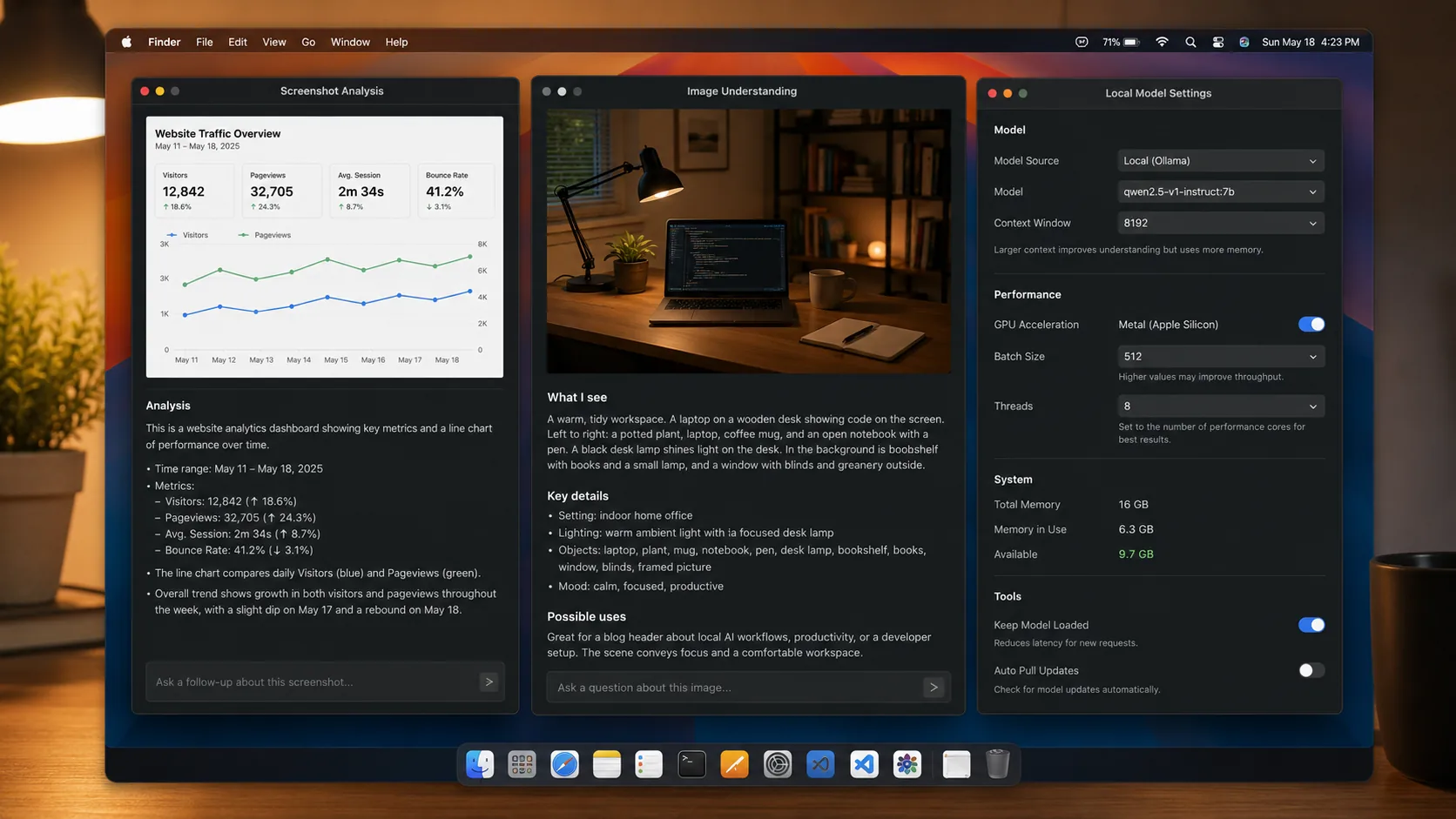
Best local vision workflows to try first
If you want to feel the value of LM Studio 0.4.13 quickly, start with tasks where image understanding and iterative follow-ups matter.
UI and frontend review
Drop in a screenshot and ask the model to identify layout bugs, spacing issues, unclear hierarchy, or accessibility concerns. This is especially useful for developers who want a local assistant for fast design QA.
Documentation and diagram analysis
Feed the model diagrams, architecture sketches, or dense screenshots and ask for a concise explanation. This can save time when you need a fast second pass on visual information without sending it to a cloud service.
Creator workflow triage
Use the model to review thumbnails, ad creatives, product images, or landing-page variations. Local vision models are still not magic, but they are increasingly good at first-pass sorting and commentary.
Private workstation use
For teams or individuals who prefer to keep screenshots, drafts, and work-in-progress images local, better MLX performance makes on-device analysis more attractive.
Which models make sense to test
LM Studio names Qwen 3.5, Qwen 3.6, and Gemma 4 in the update note, so those are the clearest starting points. The right choice depends on the kind of work you do.
| Model family | Strong fit | Good first test |
|---|---|---|
| Qwen 3.5 vision-capable setups | General multimodal prompting and tool-heavy experimentation | Screenshot Q&A and document image summaries |
| Qwen 3.6 vision-capable setups | Newer reasoning-heavy local workflows | Multi-step visual analysis with follow-up questions |
| Gemma 4 vision-capable setups | Google-flavored open-model experimentation on Mac | UI analysis, image captions, and short visual explainers |
If your Mac has limited memory, start with smaller or more efficient model variants before jumping into heavier configurations. The point of this update is not that every machine suddenly handles every model effortlessly. The point is that supported multimodal workflows should feel better on the same hardware.
Where this fits in a bigger local-AI stack
LM Studio is strongest when you want a friendly desktop surface, local APIs, and a quick path from model testing to real workflow use. That becomes even more interesting when you connect it to developer tools.
LM Studio already supports an Anthropic-compatible /v1/messages endpoint, which it introduced earlier this year for tools such as Claude Code. That means a stronger Apple Silicon MLX path is not just a chat-app improvement. It can also improve the underlying experience for broader local AI workflows where vision context or mixed model use starts to matter.
For example, you could use LM Studio to:
- run a local vision-capable model for screenshot analysis
- expose that model over a local API
- test it in an agent workflow
- keep sensitive visual context on-device
That is a compelling pattern for developers who want more control than a cloud-only stack provides.
What LM Studio 0.4.13 does not magically solve
It is still worth staying realistic.
- Local multimodal models still depend heavily on your Mac's memory and the model variant you choose
- Some tasks will remain slower or weaker than top cloud models
- Model quality still varies by checkpoint, quantization, and prompt style
- Vision support may be good enough for triage without being perfect for precision extraction
So the best way to read this update is not "local vision is solved." It is "the practical floor for local multimodal work on Mac just got a bit better."
Conclusion
LM Studio 0.4.13 is the kind of release that can quietly improve daily local AI work without flashy marketing. The headline change is simple: better MLX performance and parallel predictions for vision-capable models on Apple Silicon. For users running Qwen 3.5, Qwen 3.6, Gemma 4, or similar multimodal setups, that can make the difference between a feature you demo once and a workflow you actually keep using.
If you run local AI on a Mac, this is a sensible update to install now. Then test it on the tasks that matter most to you: screenshots, document images, visual QA, and multimodal follow-up prompts. That is where the value of LM Studio 0.4.13 should show up fastest.
FAQs:
What is new in LM Studio 0.4.13?
According to the May 13, 2026 changelog, the release updates the MLX engine to v1.8.1, improves performance, adds parallel predictions for vision-capable models, and includes bug fixes and security hardening.
Which models are mentioned in the LM Studio 0.4.13 update?
LM Studio specifically calls out vision-capable workflows involving Qwen 3.5, Qwen 3.6, and Gemma 4.
Is LM Studio 0.4.13 only useful for vision models?
No. The release also includes general fixes and stability work, but the biggest practical story is the improvement for multimodal Apple Silicon workflows.
Can I use LM Studio with Claude Code?
Yes. LM Studio previously introduced an Anthropic-compatible /v1/messages endpoint and published a guide showing how local models can be used with Claude Code by pointing the CLI to LM Studio's local server.
Should all Mac users update right away?
LM Studio says this release is recommended for all users, which is a strong sign that most people should upgrade unless they need to stay pinned to an older version for a specific setup.


