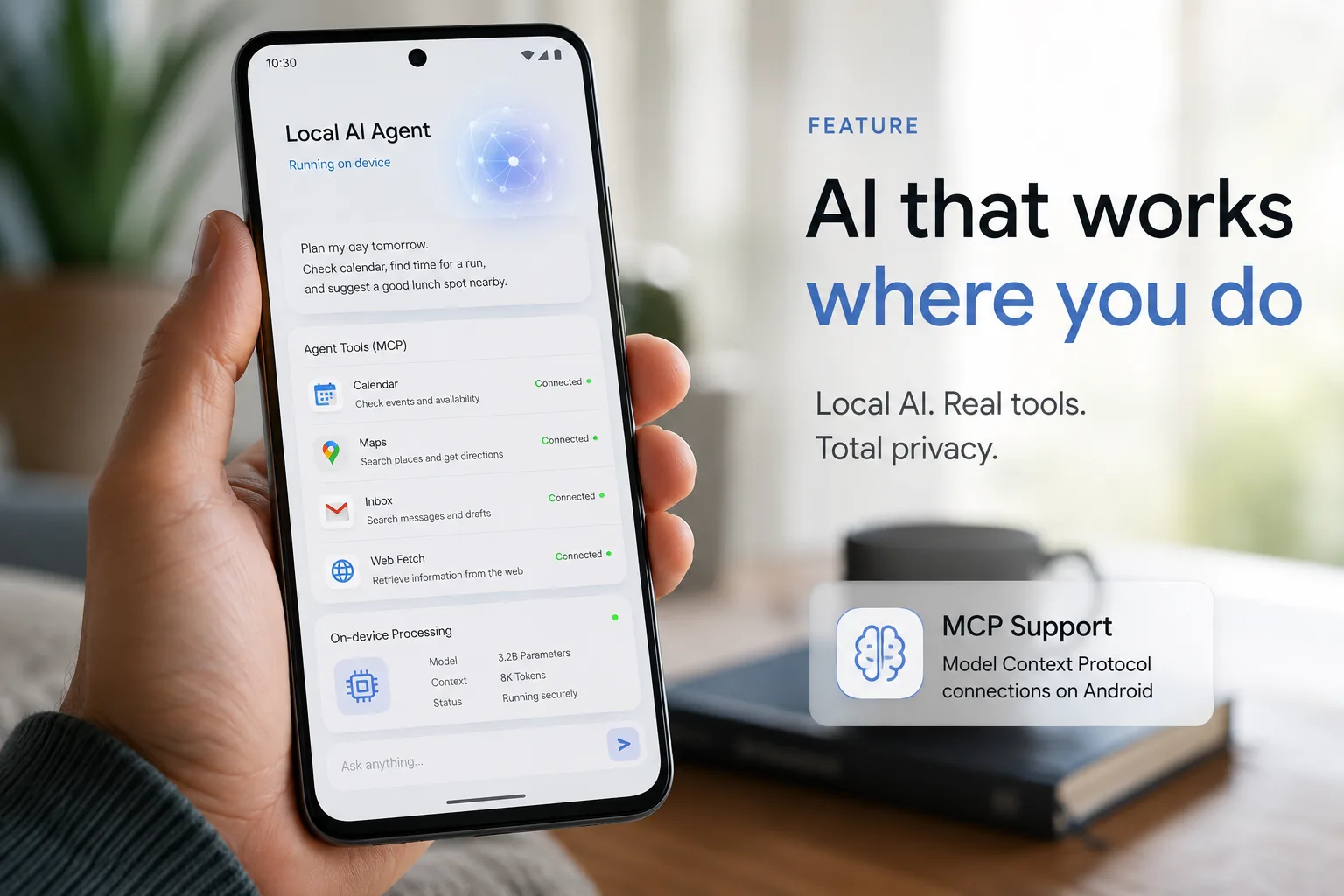
Google AI Edge Gallery MCP support is one of the more useful AI announcements from May 19, 2026 because it moves local AI on phones a step closer to real agent behavior. In its Google Developers Blog announcement, Google says the app can connect to outside tools through the open Model Context Protocol while keeping reasoning on the device itself.
That makes this update more than a feature drop. It turns Google AI Edge Gallery into a practical playground for people who want to test local AI agents, private mobile workflows, and lightweight personal automation without relying on a full cloud assistant for every step.
What changed in Google AI Edge Gallery
Google says the Android version of AI Edge Gallery now supports:
- experimental MCP support over Streamable HTTP
- local notification reminders for scheduled routines
- persistent chat history
- editable custom system prompts inside chat settings
Last month, Google introduced agentic workflows on mobile devices using Gemma 4. This latest update builds on that foundation by making the app more connected, more proactive, and much more useful for day-to-day experimentation.
| Feature | What it does | Why it matters |
|---|---|---|
| MCP support | Connects the app to external tools and data sources | Lets a local model trigger useful actions beyond the app sandbox |
| Notification reminders | Schedules routine prompts and sessions | Makes the app proactive instead of purely reactive |
| Persistent chat history | Restores sessions with prior state | Better for longer workflows and repeated tasks |
| Custom system prompt editing | Lets users shape behavior directly | Useful for prompt engineering and workflow control |
How Google AI Edge Gallery MCP works
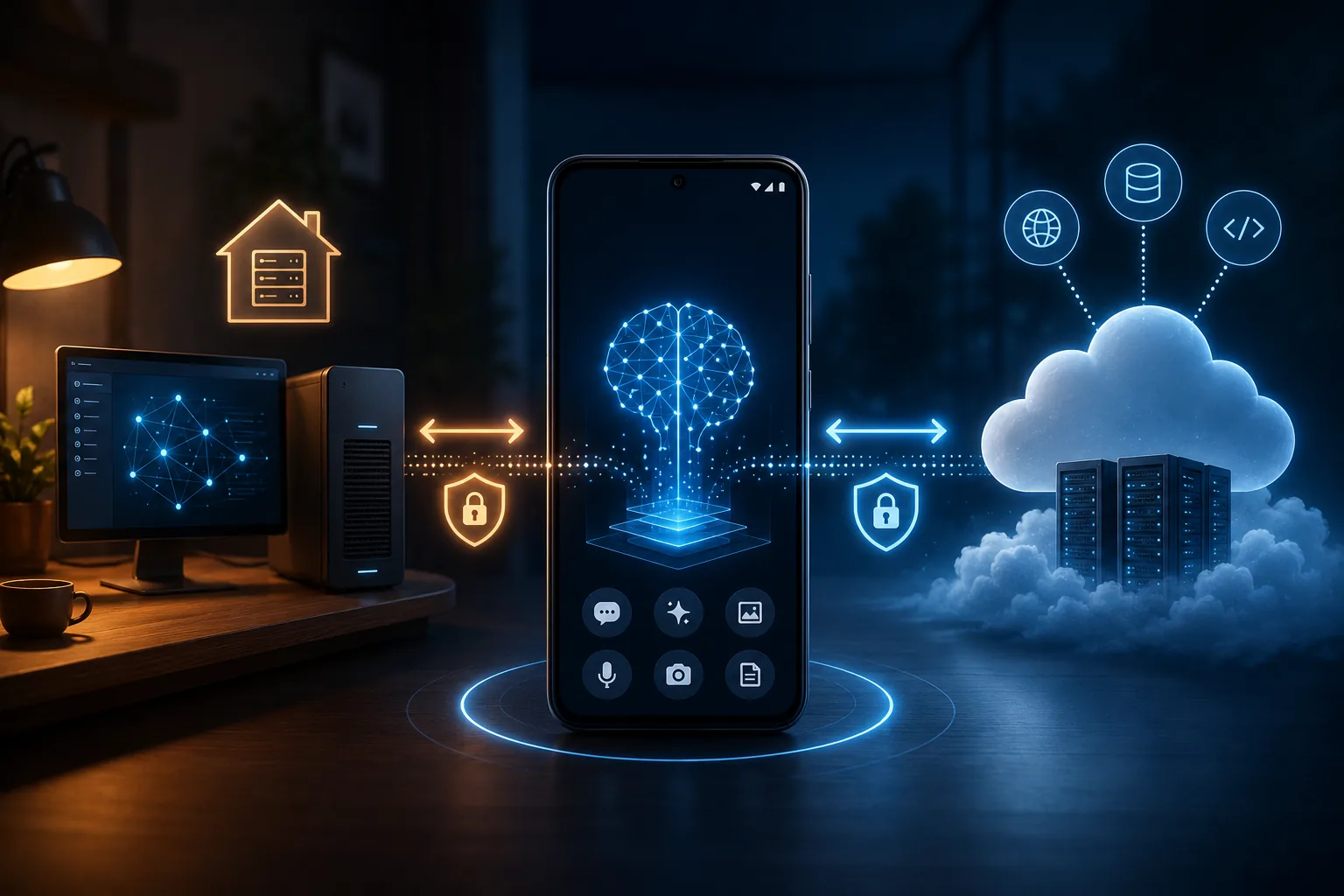
The key idea is simple: the model thinks on your phone, but it can reach outside through tools.
According to Google, you can register a valid MCP URL inside the app. The app then imports the tool definitions and resource schemas into the on-device model's system prompt. When you ask for something, Gemma 4 decides which tool it needs, creates the tool call locally, and the MCP server executes the request.
That MCP server can run on:
- your home computer
- a private machine on your network
- a secure cloud endpoint
What stays local and what does not
This is the part many readers will care about most.
Google says the reasoning and decision-making happen entirely on your phone. That is a meaningful design choice, especially for developers who want local-first workflows. At the same time, the requested action can still hit an external MCP server, so this is not an offline-everything system. It is better to think of it as local reasoning with optional external tool execution.
In practice, that means:
- your model can stay responsive on-device
- you get more privacy than a fully cloud-native assistant
- you still need to trust whatever MCP endpoints you connect
How to try Google AI Edge Gallery MCP on Android
If you want to experiment with the feature now, this is the practical path:
1. Install the Android app
Google AI Edge Gallery is available on Android now. Google says iOS support for MCP is coming soon, so the Android version is the place to start today.
2. Pick a small, useful workflow first
Do not begin with a giant agent plan. Start with one focused use case such as:
- reading a calendar entry and summarizing your day
- checking Gmail for bills or event tickets
- using a web fetch MCP tool to summarize a webpage
- asking Maps-style questions through an MCP connection
3. Register a valid MCP URL
Inside the app, add the MCP endpoint you want to use. Google says the app can dynamically import tool definitions and resource schemas from that endpoint.
4. Keep tool descriptions short
Google explicitly recommends short tool descriptions and short returned snippets because on-device models have smaller context windows than large server-side models. If you overload the prompt or send back long blobs of text, the experience will get slower and less reliable.
5. Test with a narrow prompt
Start with a simple request such as:
- "Check my calendar and tell me when I have a 30-minute free block."
- "Summarize this webpage and pull out the three most important points."
- "Find the bill due this week in my inbox."
If the result feels too loose, tighten the system prompt and simplify the tool output.
Three practical workflows this update makes more interesting
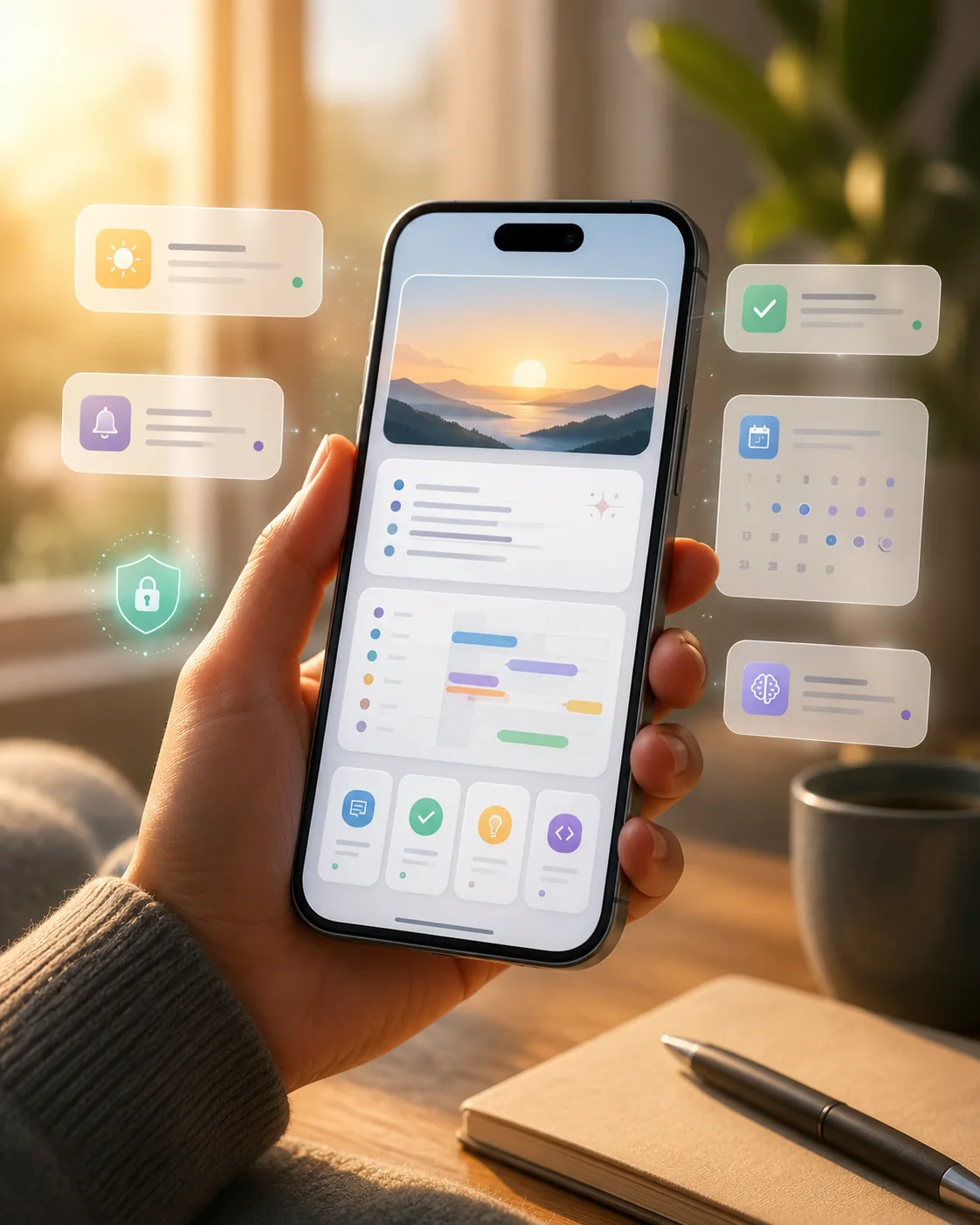
This update matters because it points to real workflows, not just flashy demos.
1. A local daily briefing agent
Google highlights calendar briefings and reminder-based routines. That is a strong fit for a phone because the device is always with you, and the routine can begin from a local notification rather than a manual app launch.
2. A privacy-friendlier personal research assistant
With a web fetch MCP tool, the app can retrieve and parse live information from URLs while keeping its reasoning local. For developers, students, and creators, that makes AI Edge Gallery more interesting as a quick reading and summarization tool.
3. A lightweight mobile automation lab
The bigger story is experimentation. AI Edge Gallery is turning into a mobile testbed for prompt design, MCP tool wiring, and local agent behavior. If you want to prototype local-first AI ideas without building a full app from scratch, this is now a much stronger starting point.
The performance detail that stands out
Google also says the app now uses the fast prefill capability of its LiteRT-LM backend, and that on modern phone GPUs prefill speeds can exceed 3,000 tokens per second. That matters because persistent chat history is only useful if restoring context feels quick enough to use repeatedly.
If that performance holds across supported devices, AI Edge Gallery could become much more practical for longer sessions instead of feeling like a reset-every-time demo.
Limits you should know before you rely on it
Google AI Edge Gallery MCP is promising, but it is still early.
- MCP support is described as experimental
- iOS MCP support is not here yet
- on-device models still have smaller context windows than larger cloud models
- tool reliability depends on the MCP server you connect
- local reasoning does not automatically mean total privacy if the external tool endpoint is poorly secured
That last point is important. If you connect the app to Gmail-like, calendar, or web services through MCP, your security posture depends not just on the phone app, but also on the endpoint design and permissions you allow.
Why this matters for the local AI market
The local AI story in 2026 is shifting from "Can this model run on my device?" to "What useful work can it do once it gets there?"
That is why Google AI Edge Gallery MCP support matters. It gives local models a standard way to interact with tools and data, while keeping the decision-making loop on-device. For developers, that means better mobile prototyping. For advanced users, it means more believable personal automation. For the broader local AI ecosystem, it is another sign that MCP is becoming part of the default agent toolkit.
Conclusion
Google AI Edge Gallery MCP support is not just another local AI feature. It is a meaningful step toward on-device agents that can actually do things, not just answer questions. If you care about local AI, Gemma 4 workflows, or practical MCP experiments on mobile, this is one of the most useful updates to watch right now.
The short version is this: Google AI Edge Gallery MCP makes Android a more serious place to test local AI agents, especially if you want a local-first workflow with carefully chosen external tools.
FAQs
What is Google AI Edge Gallery MCP support?
It is Google's new experimental support for the Model Context Protocol inside the Android AI Edge Gallery app, allowing on-device models to connect to outside tools and data sources.
Does Google AI Edge Gallery MCP work fully offline?
No. Google says reasoning happens on the phone, but MCP requests can be executed by a server running on your home computer or a secure cloud endpoint.
Is Google AI Edge Gallery MCP available on iPhone?
Not yet for MCP. Google says the iOS app update is coming soon, but the current MCP support is in the Android app.
Which model powers the workflow?
Google highlights Gemma 4 for these mobile agentic workflows in AI Edge Gallery.


