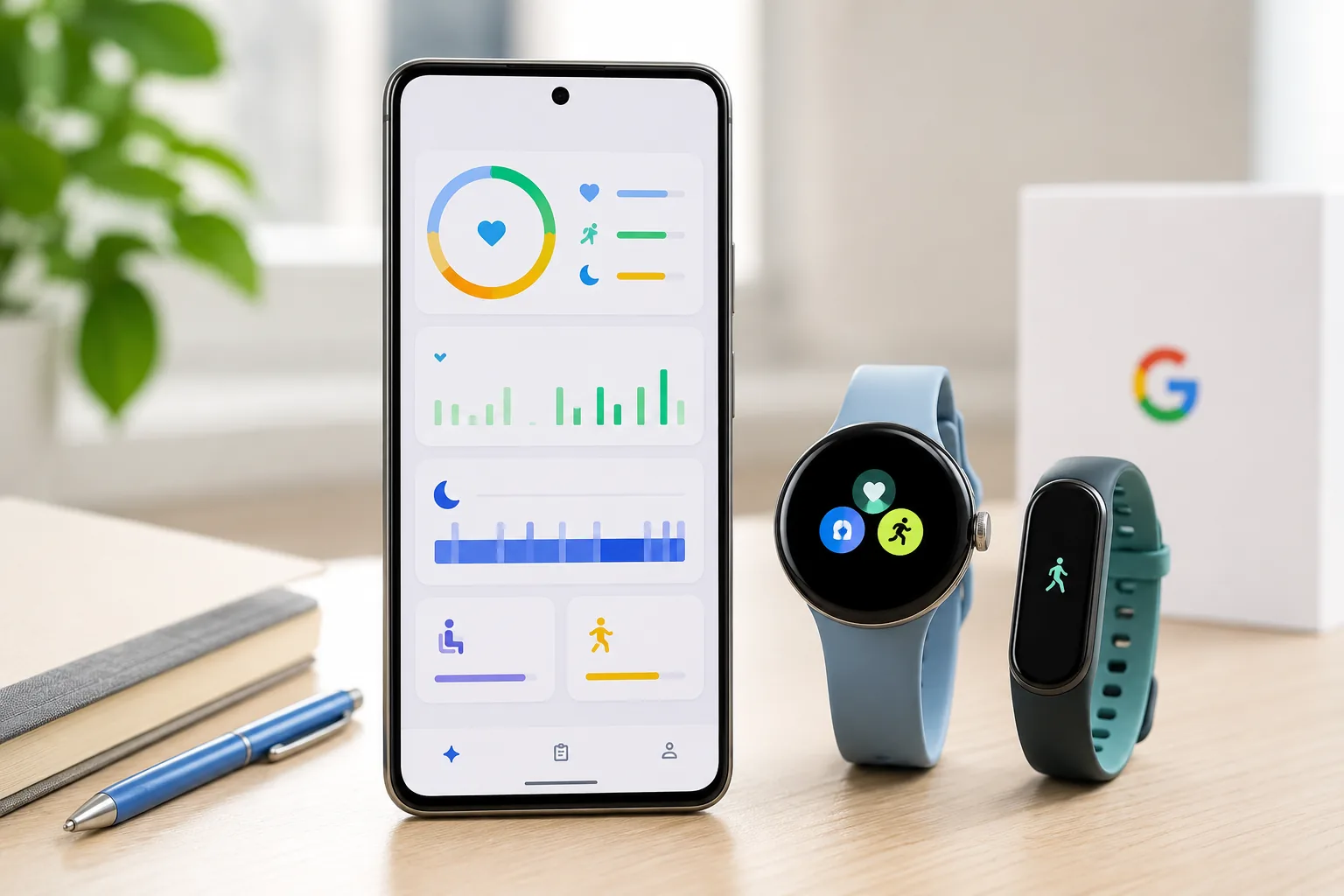
The Google Health app is about to become a much bigger deal for Fitbit users. Google has confirmed that the Fitbit app will transition into the Google Health app starting on May 19, 2026, and the change is more than a simple logo swap. It brings a redesigned layout, broader health data support, new integrations, and a Gemini-powered coach that pushes the app closer to becoming a full wellness hub.
If you already use Fitbit or a Pixel Watch, the biggest question is simple: do you need to do anything before the update lands? The short answer is no, but there are a few smart steps worth taking so the transition feels smooth instead of confusing.
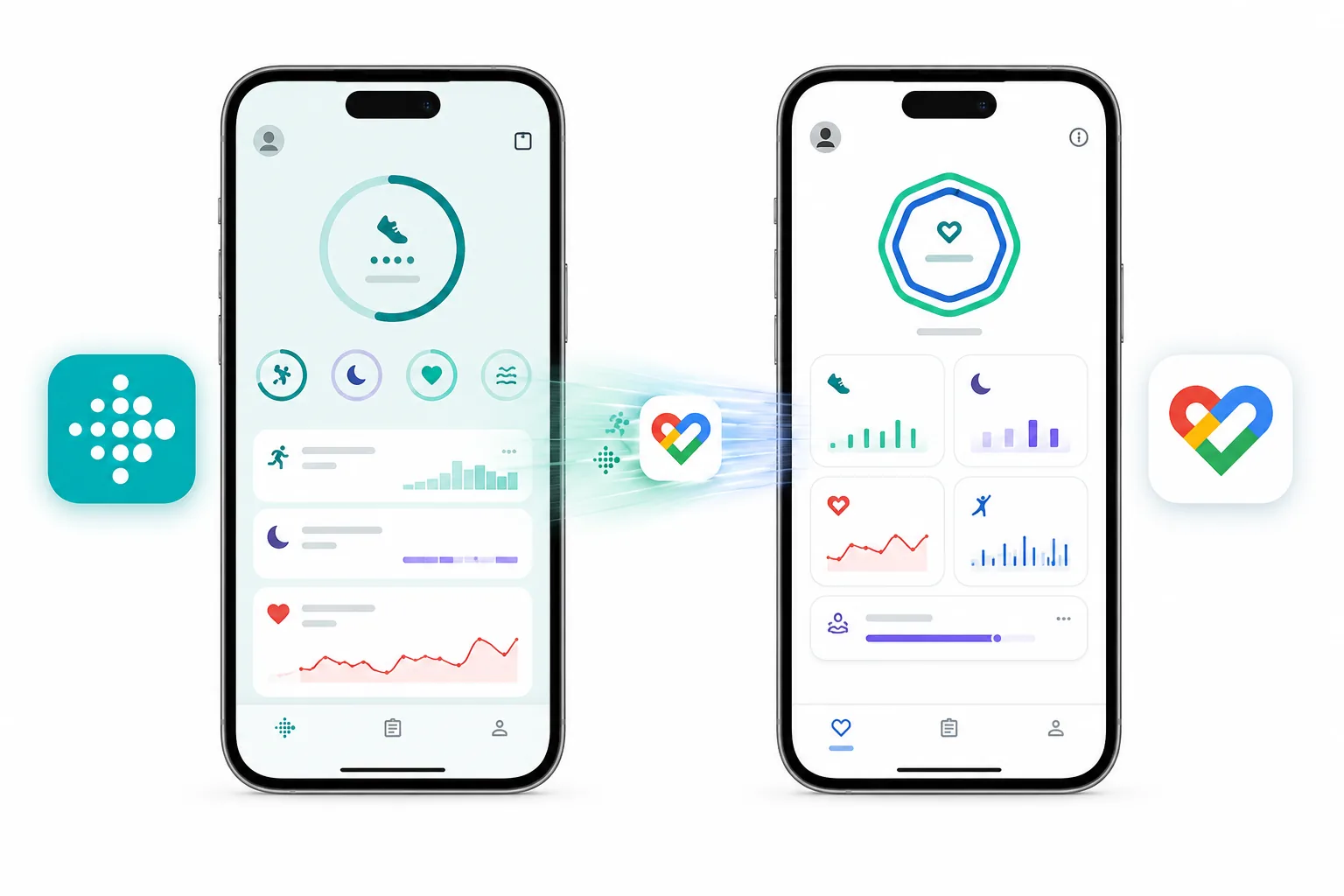
Google Health app rollout date and what changes on May 19
Google says the Google Health app starts rolling out on May 19, 2026 as an update to the existing Fitbit app. That means current Fitbit users will not need to download a separate app, create a new account, or manually move their activity history one file at a time.
What changes is the app identity and scope. Instead of focusing mainly on Fitbit metrics, the new app is designed to bring together fitness, sleep, vitals, medical records, and connected app data in one place.
Here is the quick version:
| What changes | What it means for users |
|---|---|
| Fitbit app becomes Google Health app | Existing users get the update automatically |
| New four-tab layout | Easier access to Today, Fitness, Sleep, and Health |
| More connected data | Pulls in information from supported apps and devices |
| Medical records support in the US | Lets users view lab results, medications, and key history in one app |
| Google Health Coach | Adds Gemini-powered insights and guided suggestions |
| Google Fit migration later | Google Fit users will be invited to move data later in 2026 |
What Fitbit users should do before the Google Health app update
The Google Health app rollout is automatic, but that does not mean you should ignore it. A few small checks can save time later.
1. Make sure your Fitbit app is updated
This sounds obvious, but it matters. If your phone is not updating apps automatically, open the Play Store or App Store and make sure the Fitbit app is current before May 19. That gives you the best chance of getting the Google Health app update early and without weird sync hiccups.
2. Check your Google account access
The new experience is clearly more connected to Google’s wider ecosystem. If you have not signed in for a while, or if you juggle multiple Google accounts, confirm which account your Fitbit data is tied to. This is especially important if you use a Pixel Watch, because account confusion is one of the easiest ways to make a clean rollout feel messy.
3. Review connected apps and devices
Google is positioning the Google Health app as a central place for data from wearables, other fitness services, and supported health platforms. Before the rollout, take a minute to note which apps you actually care about. If you currently sync workouts, nutrition, or sleep data from third-party services, that list will help you spot missing connections quickly after the update.
4. Decide how much health data you want in one place
One of the biggest upgrades is the ability to bring together more types of data, including medical records in the United States. That is useful, but not everyone wants every health signal in one dashboard. Think ahead about whether you want a broad health profile or a simpler fitness-focused setup.
5. Watch for Google Fit migration details
Google says Google Fit users will be invited to migrate later this year. If you still use Google Fit, this is the right time to clean up old data, check what is still useful, and decide whether Google Health will become your main app.
Best new Google Health app features
Google is not pitching the Google Health app as a cosmetic refresh. The feature list shows a much broader product strategy.
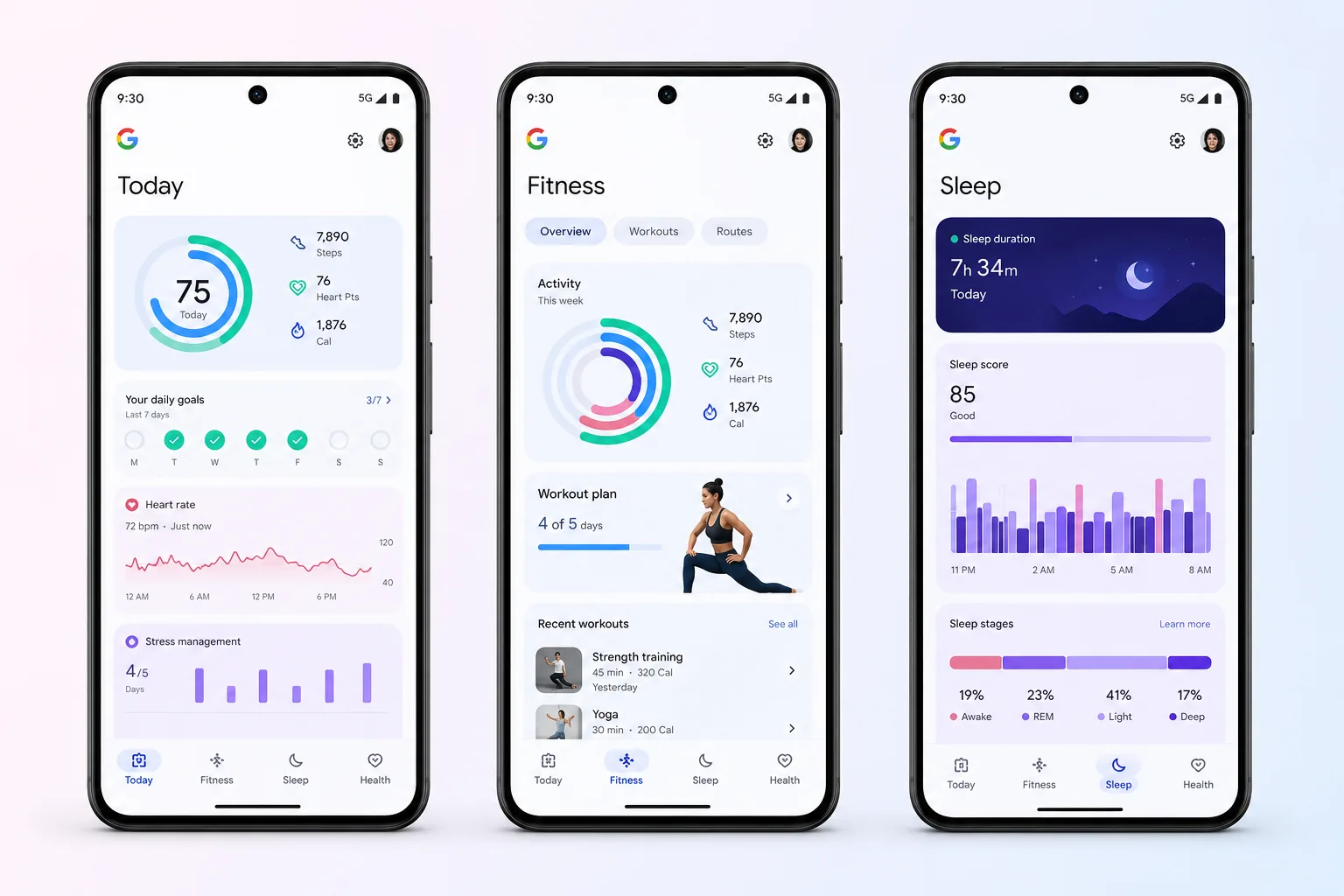
A simpler four-tab layout
The new structure is built around four tabs:
- Today for quick daily health and wellness snapshots
- Fitness for workouts, goals, and weekly planning
- Sleep for rest patterns and consistency
- Health for vitals, trends, and broader health data
That may sound small, but it should make the app easier to scan. One of Fitbit’s longstanding problems was that useful metrics sometimes felt scattered. Google is trying to reduce that friction.
Better dashboards and trend tracking
Google says users will be able to customize dashboard sections at the top of the Today and Health tabs. That matters because not every user cares about the same numbers. Some people want recovery and sleep, others care more about cardio load, workouts, or daily activity.
The app also expands the kind of trends users can track across activity, fitness, sleep, vitals, and other health categories.
More connected apps and devices
This is one of the biggest changes from a search-intent point of view, because people often ask whether a health app can become a true all in one tracker. Google says the app works with hundreds of apps and devices through Health Connect, Apple Health, and Google Health APIs. That opens the door to a more complete view of workouts, meals, and wellness habits.
Medical records support for US users
For users in the United States, medical record syncing is one of the most practical new additions. Google says users can view things like lab results, vitals, and medications in the app. That can make the Google Health app more than a fitness dashboard, especially for people who want one place to review both daily habits and bigger health changes over time.
Google Health Coach with Gemini
Google Health Coach is where the AI angle becomes obvious. Google says the coach can surface insights on the Today tab, support natural-language workout planning in Fitness, and summarize medical records in the Health section. That could make the Google Health app more useful for people who want explanations and next steps, not just charts.
At the same time, users should treat this carefully. Google’s own notes say AI responses may be inaccurate or incomplete, and the coach is not meant to diagnose or treat medical conditions.
Should Fitbit users be excited or cautious?
The honest answer is both.
The Google Health app looks like a meaningful upgrade if you already live in the Fitbit, Pixel Watch, or broader Google ecosystem. It should reduce app fragmentation, make dashboards more flexible, and offer stronger context through connected records and AI-powered summaries.
But it also pushes Google deeper into a category where trust matters as much as convenience. Health data is personal. AI-generated wellness advice can be helpful, but only if users understand its limits. That means the Google Health app will be judged not just on features, but on clarity, privacy controls, and how reliable the day-to-day experience feels after the rollout.
Who should pay closest attention to this update
The Google Health app update will matter most if you fall into one of these groups:
- You use a Fitbit wearable daily and want a better dashboard
- You own a Pixel Watch and want a more unified health app
- You track workouts and meals across multiple apps
- You still use Google Fit and expect migration details later in 2026
- You want AI-assisted fitness and wellness summaries in one place
Conclusion
The Google Health app rollout on May 19 could be one of Google’s most important consumer app updates of 2026, especially for Fitbit users. The big takeaway is that you do not need to panic or start moving data manually. The app should update automatically. Still, it is worth checking your account, current app version, and connected services before the rollout reaches your device.
If Google executes well, the Google Health app could become the easiest way for Fitbit and Pixel Watch users to manage fitness, sleep, and broader wellness data in one place. If the rollout is rough, users will notice immediately. Either way, the Google Health app is no longer just a rebrand story. It is now a core part of Google’s health strategy.
FAQ
Is the Fitbit app going away?
The Fitbit app is being updated into the Google Health app rather than disappearing outright. Existing users should receive the change through an app update.
Do I need to install a new Google Health app manually?
No. Google says the rollout comes as an update to the current Fitbit app, so existing users do not need to download a separate app.
When does the Google Health app rollout start?
Google says the rollout starts on May 19, 2026.
Will my Fitbit data move automatically?
Google says existing data will transition automatically for Fitbit users. Google Fit migration is planned later in 2026.
Is Google Health Coach a medical tool?
No. Google says the AI coach is not intended to diagnose, treat, cure, prevent, or monitor disease, and users should not rely on it as medical advice.


