Intro
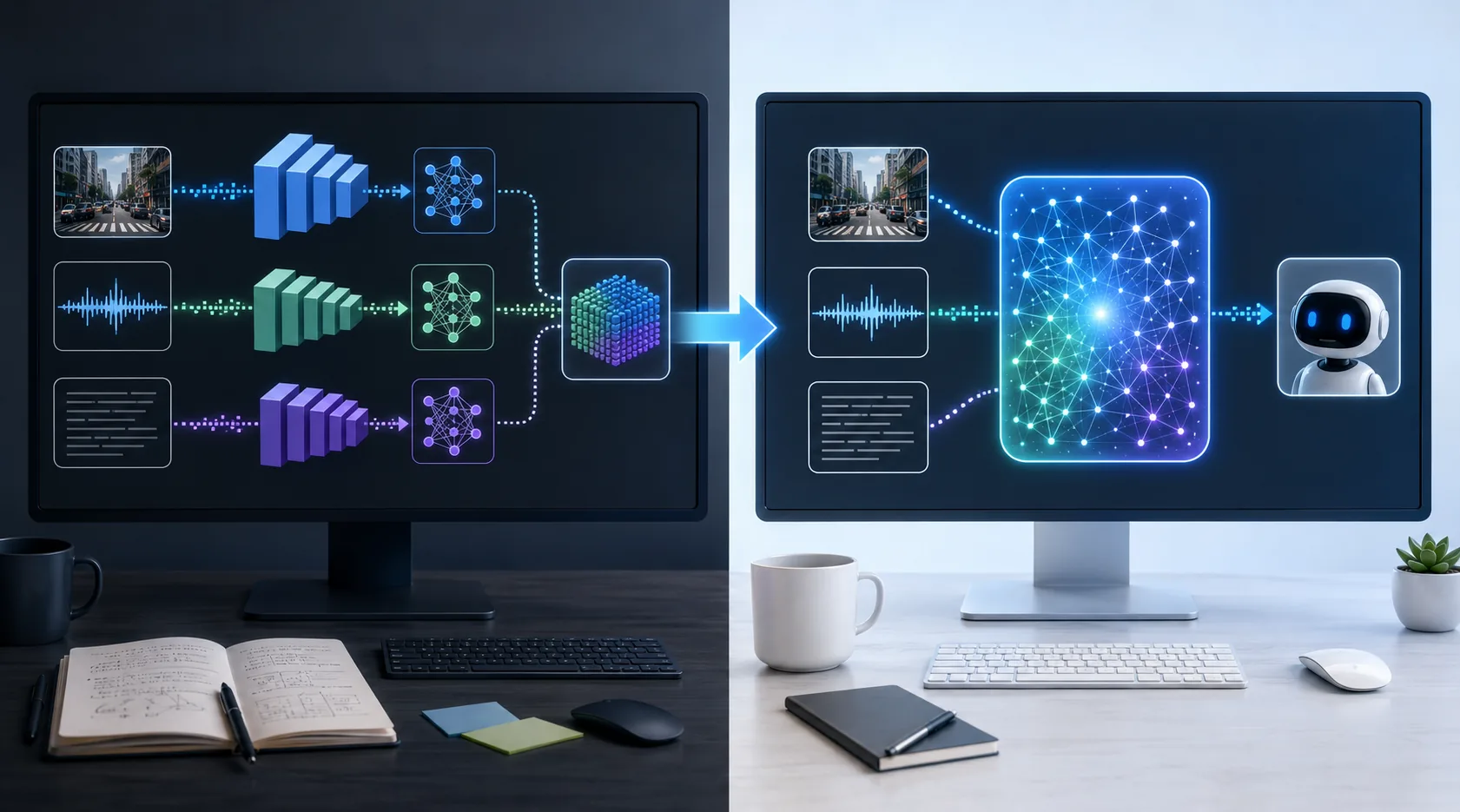
If you build AI agents, you already know the awkward part of multimodal workflows: one model handles screenshots, another handles speech, another handles reasoning, and the orchestration layer keeps passing context around like a packet relay race. It works, but it adds latency, cost, and failure points.
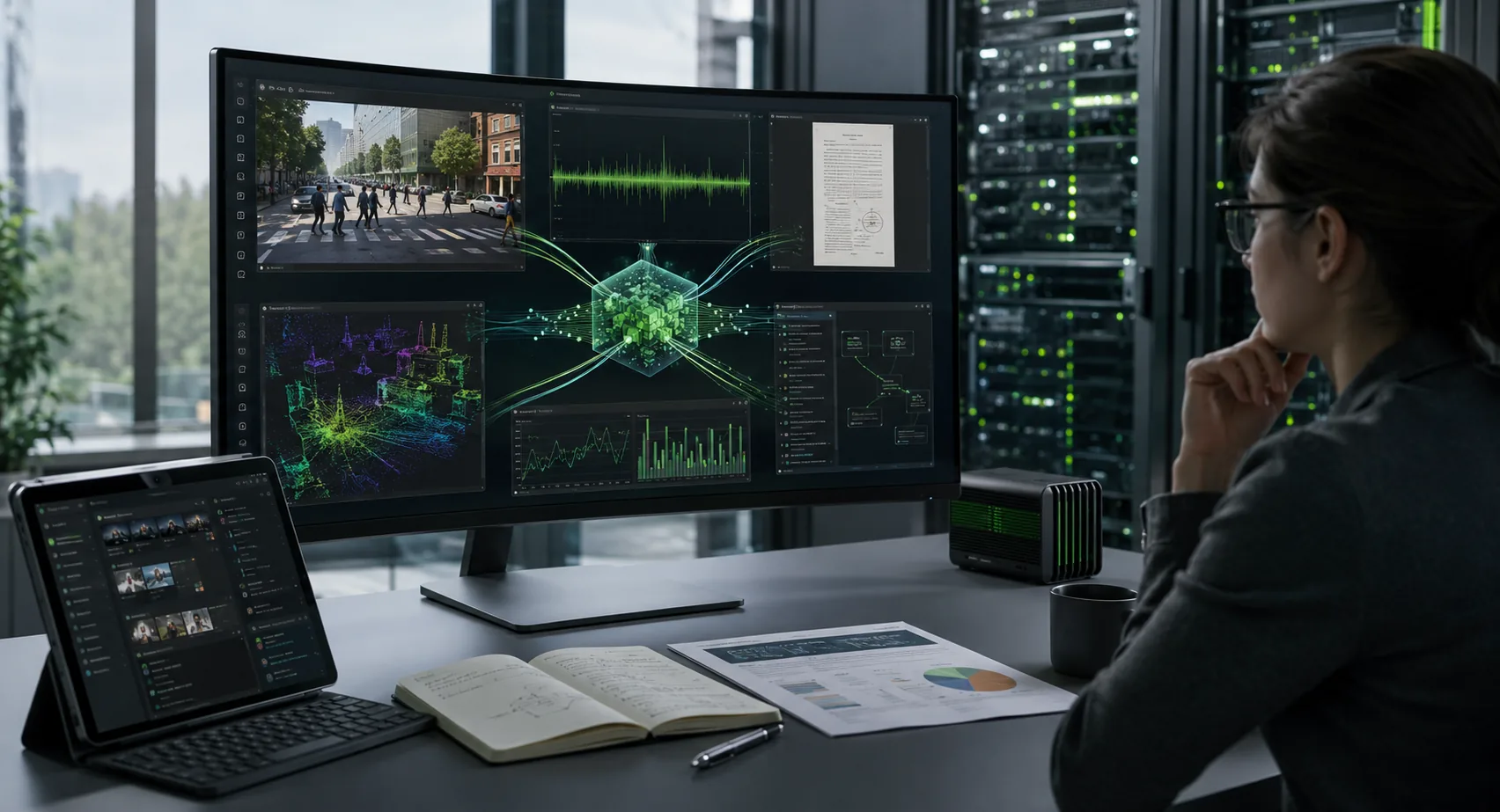
That is why NVIDIA's Nemotron 3 Nano Omni, launched on April 28, 2026, matters more than a normal model announcement. NVIDIA is positioning it as an open omni-modal reasoning model for agent systems that need to understand text, images, video, audio, documents, charts, and interfaces in one shared loop.
The practical question is not whether the benchmark chart looks impressive. The practical question is this: when does a unified multimodal model make your agent stack simpler and cheaper than chaining separate models together?
This guide answers that in plain language. We will look at what Nemotron 3 Nano Omni is, where it fits, how to access it, when to run it locally versus through an API, and what tradeoffs developers should keep in mind before moving production workflows around it.
Table of Contents
- What NVIDIA launched
- Why this release matters for agent builders
- What the model can actually handle
- How to access Nemotron 3 Nano Omni
- When to run it locally and when not to
- A practical setup path for testing
- ToolMintX workflow idea
- FAQ
- Conclusion
What NVIDIA launched
According to NVIDIA's official blog and technical blog, Nemotron 3 Nano Omni is an open multimodal model designed as a perception and understanding layer for agentic systems. NVIDIA describes it as a 30B-A3B hybrid mixture-of-experts model with 256K context, built to unify image, video, audio, and text reasoning.
Two details matter immediately.
First, NVIDIA is not presenting this as a general-purpose chatbot. It is presenting it as the eyes and ears of a larger system. In other words, the model is meant to sit inside an agent architecture and handle multimodal perception, context maintenance, and interpretation.
Second, NVIDIA is pushing efficiency hard. The company says the model can deliver up to 9x higher throughput than other open omni models with similar interactivity, and it also highlights strong scores on document, audio, and video understanding tasks.
That positioning tells us what kind of buyer NVIDIA has in mind: not casual prompt users, but teams building systems that need to inspect files, listen to audio, watch screen recordings, parse interfaces, and feed that context into a broader execution or planning layer.
Why this release matters for agent builders
The strongest reason to care about Nemotron 3 Nano Omni is not novelty. It is stack simplification.
A lot of multimodal agent pipelines still look like this:
- Extract frames or screenshots.
- Send speech to a speech model.
- Send images to a vision-language model.
- Convert outputs to text.
- Pass that text into a planner or executor.
That architecture is often workable, but it creates predictable problems:
- latency grows because you are making several inference hops
- context gets fragmented across tools and summarizers
- costs become harder to predict
- debugging becomes painful because failures are distributed across multiple model boundaries
Nemotron 3 Nano Omni matters because it targets this exact weakness. If one efficient model can handle multimodal perception in a shared context window, you cut orchestration complexity before you even start tuning prompts.
This matters a lot for:
- computer-use agents that need to read UI state quickly
- document intelligence systems that must combine text, charts, and layout cues
- support workflows that mix uploaded call audio, screenshots, PDFs, and notes
- video reasoning pipelines where throughput is as important as raw accuracy
What the model can actually handle
NVIDIA says the model accepts:
- text
- images
- audio
- video
- documents
- charts
- graphical interfaces
And it produces text output.
That makes it easier to think about its role. It is not the whole agent. It is the multimodal interpretation layer that sees what is happening and turns it into grounded reasoning for the rest of the system.
On the technical side, NVIDIA's developer material highlights several implementation points:
- a hybrid MoE design for better efficiency
- support for spatiotemporal video processing
- optimized inference across Ampere, Hopper, and Blackwell GPU families
- support for inference engines such as vLLM and SGLang
- availability of open weights, datasets, and training recipes
That combination is important because many open releases are easy to admire and awkward to deploy. Here, NVIDIA is trying to reduce that gap by pairing the model with documented inference paths and enterprise deployment options.
How to access Nemotron 3 Nano Omni
NVIDIA says Nemotron 3 Nano Omni is available through:
- Hugging Face
- OpenRouter
- build.nvidia.com
- partner platforms
The NVIDIA technical blog also points to practical runtime paths including:
- vLLM
- SGLang
- Ollama
- llama.cpp
- LM Studio
That does not mean every route is equally mature on day one.
If your goal is fast evaluation, the simplest path is usually:
- start with a hosted endpoint or partner runtime
- validate whether the model handles your multimodal task well
- benchmark latency and cost against your current chained setup
- only then decide whether a local or self-hosted path is worth the operational effort
That is especially important for video and audio-heavy workloads, where "open weights" can create unrealistic local-hosting expectations.
When to run it locally and when not to
This is where many teams make bad decisions.
An open model does not automatically mean your laptop is the right place to run it. Even if NVIDIA and ecosystem partners support local runtimes, your actual experience depends on:
- quantization options
- memory limits
- modality mix
- concurrency needs
- latency expectations
- whether you need audio and video regularly or only occasionally
For lightweight experiments, local inference can make sense if you want privacy, lower marginal cost, or repeatable testing with a fixed stack.
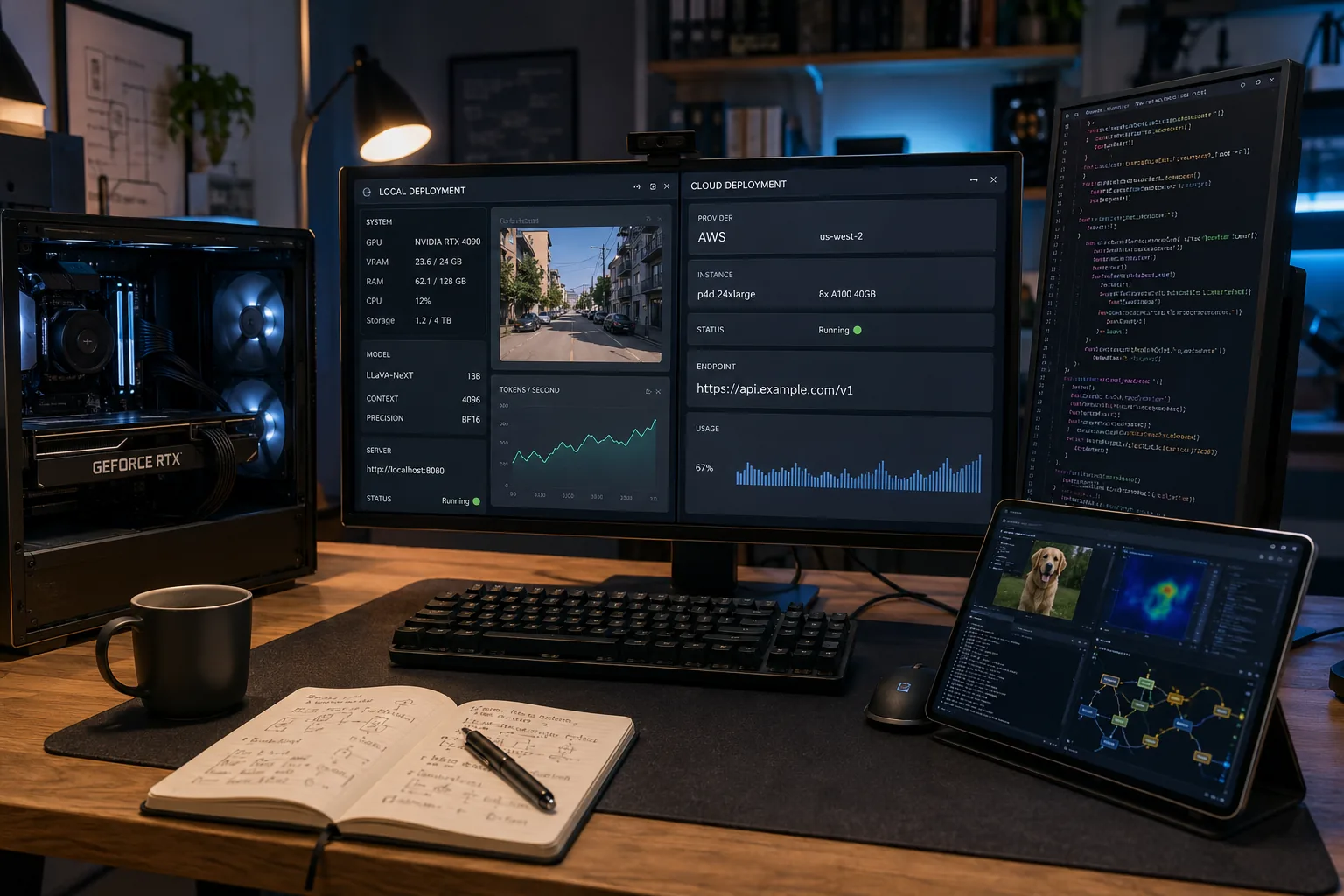
For production or evaluation involving long videos, batch jobs, or multiple concurrent agents, hosted or data-center inference is often the more realistic first step.
That is why a simple sizing pass matters before you choose a runtime. A practical ToolMintX use case here is the ToolMintX AI VRAM Calculator. Before you commit to a local GPU box or a cloud instance, estimate how much headroom you will need for the model variant, quantization level, context size, and any parallel workloads. It is a much better habit than discovering the hardware mismatch after your pilot pipeline is already built.
A practical setup path for testing
If you want to evaluate Nemotron 3 Nano Omni without wasting a week, keep the first pass narrow.
Step 1: Pick one real multimodal task
Good examples:
- answer questions about a product demo video
- read a PDF plus chart image and summarize the key risk
- inspect a screen recording and identify where a workflow broke
Do not begin with a vague "let us test everything" benchmark sprint.
Step 2: Start with a hosted path
Use a hosted endpoint through one of the supported access points so you can validate capability before worrying about deployment plumbing.
Step 3: Compare against your current stack
Measure:
- latency
- output quality
- failure modes
- orchestration complexity
- cost per task
If a single multimodal pass removes two or three intermediate steps, the operational gain may matter more than a small benchmark delta.
Step 4: Decide whether local deployment is justified
Move to Ollama, LM Studio, or another self-hosted path only if one of these is true:
- you need data locality
- you need fixed internal infrastructure
- you want offline or near-offline operation
- your economics improve meaningfully at scale
Step 5: Add the model as a sub-agent, not the whole system
NVIDIA's own framing is useful here. Treat Nemotron 3 Nano Omni as the perception specialist inside a broader architecture. Let it interpret multimodal inputs, then hand structured reasoning to a planner, executor, or domain-specific downstream model.
Practical examples
Example 1: Customer support triage
A user uploads a screen recording, a screenshot, and a voice note. Instead of splitting those into separate analysis tools, a single multimodal sub-agent can extract the state of the UI, key spoken problem details, and likely failure point before routing the ticket.
Example 2: Internal document review
A finance team receives a slide deck, spreadsheet snapshot, and narrated walkthrough. A unified multimodal layer can align those signals faster than a stitched pipeline that keeps translating each input into separate text summaries.
Example 3: Computer-use monitoring
If you are building or testing agents that act on GUIs, perception speed matters. The faster your model can interpret what is on the screen, the more responsive the whole loop becomes.
ToolMintX workflow idea
If your team writes public summaries, product notes, or customer-facing documentation from model outputs, a useful next step is to combine technical testing with editorial cleanup. A practical ToolMintX workflow is:
- use the AI VRAM Calculator to size your local or cloud setup
- test the model on a narrow multimodal task
- turn the rough output into cleaner publishable text with a ToolMintX writing workflow such as the AI Text Humanizer when the raw model output is too stiff for real readers
That is not the main story here, but it is a real workflow bridge between experimentation and usable output.
FAQ
Is Nemotron 3 Nano Omni a chatbot replacement?
Not really. It is better understood as a multimodal perception and reasoning component inside a larger agent system.
Can I run Nemotron 3 Nano Omni locally?
Possibly, yes. NVIDIA's technical material points to local runtime paths such as Ollama, llama.cpp, and LM Studio, but your practical success will depend on quantization, modality usage, and available hardware.
Why is a unified multimodal model useful?
Because it can reduce inference hops, preserve shared context across modalities, and simplify debugging compared with a chained model stack.
Should small teams self-host it immediately?
Usually no. Start with hosted evaluation first, then move local only if privacy, cost, or infrastructure control clearly justify it.
What is the biggest tradeoff?
The main tradeoff is operational realism. Open access is valuable, but multimodal workloads can become hardware-heavy quickly, especially when video and audio are involved.
Conclusion
NVIDIA Nemotron 3 Nano Omni looks important not because it adds one more model name to an already crowded AI market, but because it addresses a very real builder problem: multimodal agents become messy, slow, and expensive when perception is split across too many components.
If NVIDIA's efficiency claims hold up in real workloads, this release could become one of the more practical open-model stories of the season. The right way to approach it is not hype-first. It is workflow-first: test one real multimodal job, compare it against your current stack, size your infrastructure honestly, and only then decide whether local deployment, cloud deployment, or a hybrid approach makes sense.
For teams building document intelligence, screen-understanding agents, or audio-video reasoning tools, Nemotron 3 Nano Omni is worth serious attention right now.


