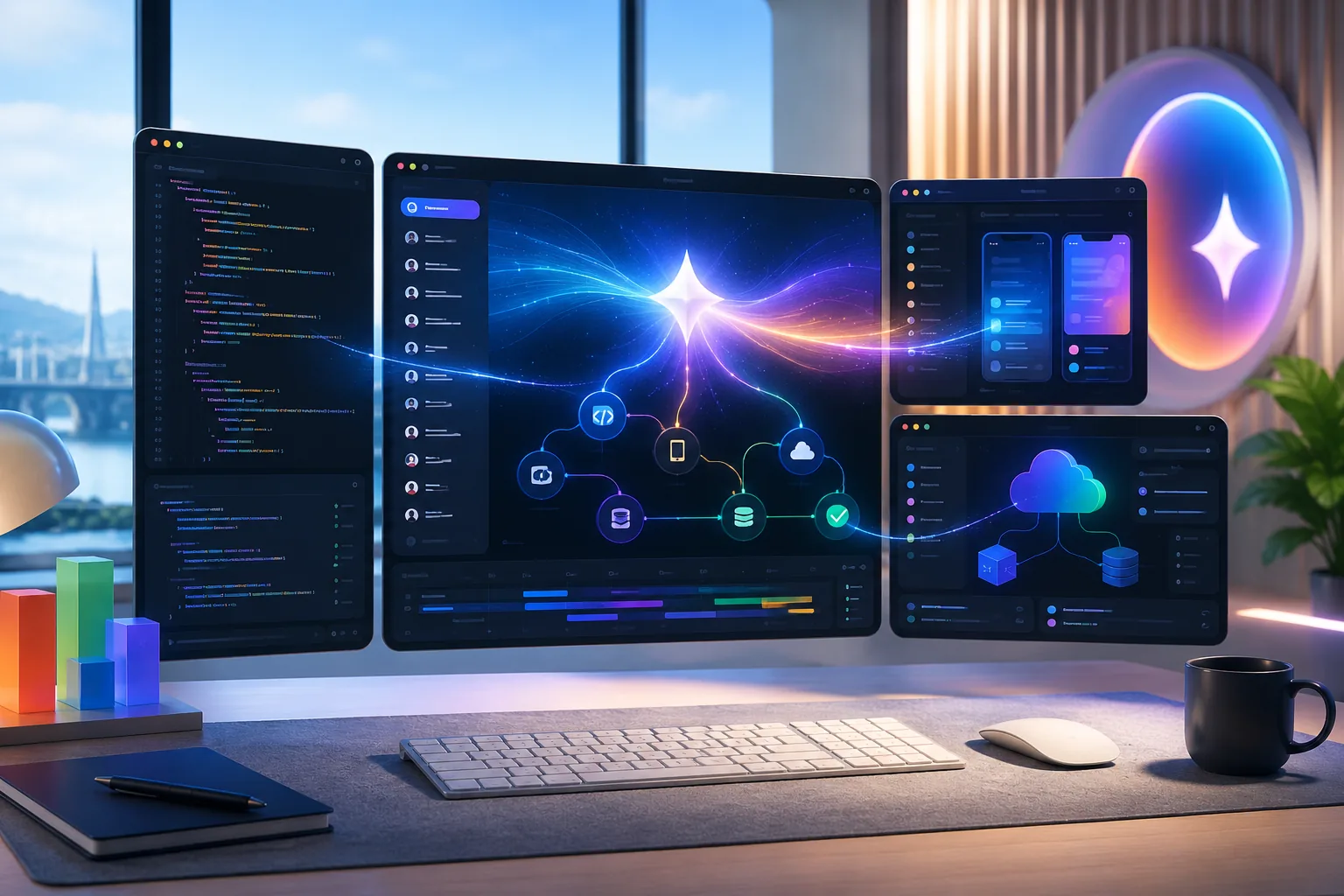
Google Antigravity 2.0 is one of the most important developer announcements from Google I/O 2026, especially if you care about AI agents that can do more than answer prompts. Google paired the updated desktop app, Antigravity CLI, SDK, managed-agent features, and cloud integrations with Gemini 3.5 Flash, a model designed to push agent workflows further across consumer, developer, and enterprise products.
This guide breaks down what actually changed, who it fits best, and where Antigravity 2.0 sits in the agent-tooling market.
What is Google Antigravity 2.0?
Google Antigravity 2.0 is Google's agent-first development platform for building, supervising, and running AI workflows across local and cloud surfaces. At I/O 2026, Google connected the release to a broader developer push that includes:
- an updated desktop application
- Antigravity CLI
- an SDK for custom workflows
- managed agents in the Gemini API
- cloud and developer-tool integrations
- support for orchestrating agent work across projects
That matters because the market is shifting from "chat with a model" to "coordinate work across tools," and Antigravity 2.0 is Google's answer to that shift. The practical questions it raises for developers are concrete: should you switch from your current agent CLI, is it better than hand-stitching scripts and APIs, do you need Google AI Ultra for serious use, and where does Gemini 3.5 Flash fit? The rest of this guide works through those.
The biggest Antigravity 2.0 features builders should watch
Google announced a lot at once, but four pieces stand out.
1. A desktop app for agent workflows
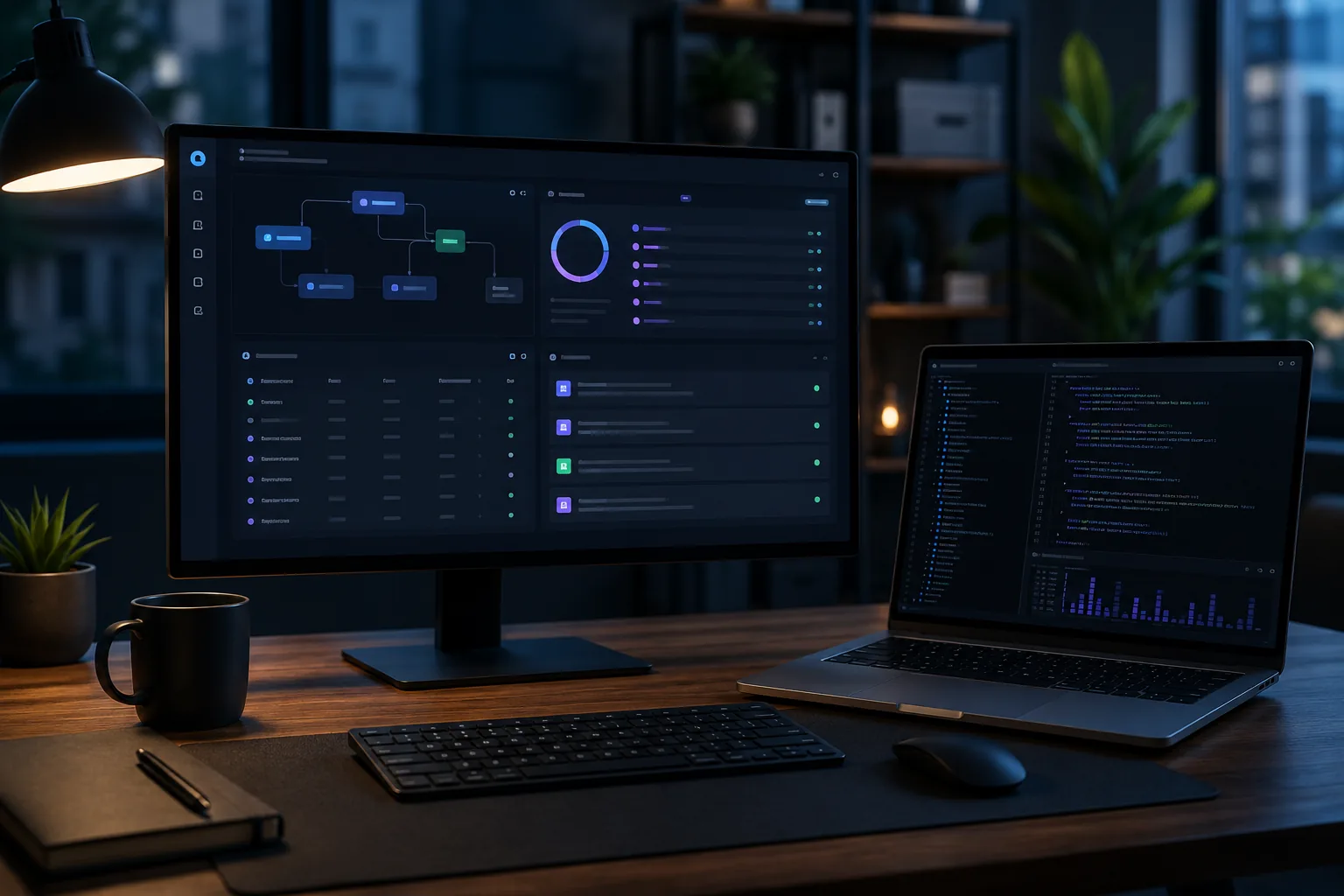
The desktop app matters because many agent tools still feel either too raw for day-to-day work or too locked into one narrow surface. A dedicated desktop layer gives Google a place to combine project context, multi-step execution, agent supervision, and handoff between local and cloud work.
For builders, that can be more important than a flashy chat window. Good agent tooling lives or dies on workflow control.
2. Antigravity CLI gives Google a stronger developer entry point
CLI tools keep winning in AI developer workflows because they fit how real builders work: terminals, repos, automation, and repeatability. Google is also positioning Antigravity CLI as the terminal UI alternative inside the Antigravity 2.0 push, which signals a shift from lighter command-line assistance toward a broader managed-agent experience.
That matters if you want:
- scriptable workflows
- repeatable project setup
- tighter integration with repo tasks
- easier handoff between local commands and cloud services
3. Gemini 3.5 Flash is the model layer
Google says Gemini 3.5 Flash is now part of the Antigravity developer story, with access through Antigravity, the Gemini API, Google AI Studio, Android Studio, and enterprise products. That is strategically important because Google is not treating the model as a separate API-only launch.
It is using Gemini 3.5 Flash to connect:
- rapid prototyping
- coding-agent workflows
- mobile development
- product experiments
- enterprise AI workflows
4. Cloud integrations tie the workflow together
Antigravity 2.0 is not being pitched as a sealed desktop toy. Google explicitly connected it to developer platforms and cloud workflows. For teams already using Google AI Studio, Firebase, Android tooling, or Google Cloud services, that could make Antigravity more attractive than generic agent shells.
Antigravity 2.0 vs a typical agent stack
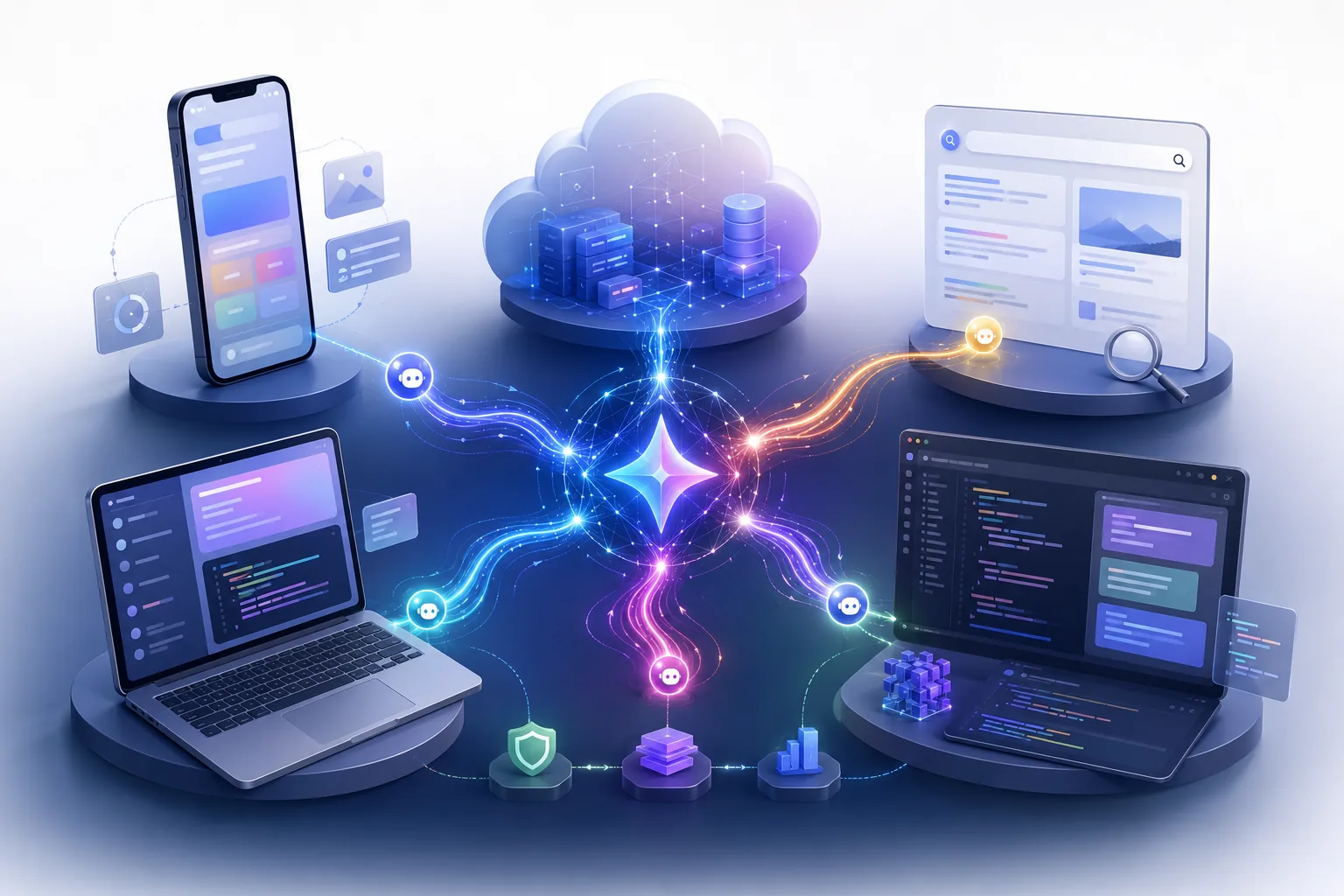
Many developers currently piece together their own agent workflow stack from separate parts:
- a model API
- a local CLI
- a scheduler
- a repo integration
- custom task runners
- cloud hooks
That approach can be powerful, but it also creates operational drag. Antigravity 2.0 looks like Google trying to reduce that drag by packaging the stack more tightly.
| Workflow need | Typical DIY stack | Google Antigravity 2.0 approach |
|---|---|---|
| Local command workflow | Separate CLI or scripts | Antigravity CLI |
| Agent coordination | Manual chaining or orchestration code | Managed agent workflows |
| Model access | API selection managed separately | Gemini 3.5 Flash tied into the broader Google stack |
| Cloud handoff | Custom integrations | Google-managed integrations across its ecosystem |
| Team adoption | Many separate tools to govern | One platform layer to evaluate |
This does not automatically make Antigravity better for everyone. Power users may still prefer custom stacks. But for many teams, reducing setup overhead is a real advantage.
Do you need Google AI Ultra to use Antigravity seriously?
Maybe not, but Google clearly wants heavier users to consider it. The company has promoted higher usage limits for its top AI subscription tier, and Antigravity is part of that usage conversation.
This matters because agent tools are highly sensitive to usage ceilings. A polished interface does not help much if advanced workflows burn through limits too quickly.
Higher usage tiers may matter if your work involves:
- long coding sessions
- repeated agent retries
- multi-agent research tasks
- mobile and cloud project work
- fast experimentation across several projects
Who should pay attention first?
Google Antigravity 2.0 is most interesting right now for a few groups.
Solo developers who want a Google-native agent setup
If you already use Gemini, Google AI Studio, Firebase, or Android Studio, Antigravity may reduce the need to juggle unrelated tools.
Mobile and Firebase-heavy teams
Google's ecosystem advantage is strongest when your work already lives near Android, Firebase, and Google Cloud services. In that context, tighter workflow integration can beat a more generic agent tool.
Builders comparing agent platforms, not just models
A lot of AI coverage still obsesses over raw model rankings. But builders increasingly need to choose platforms, orchestration layers, and workflow environments. Antigravity 2.0 deserves attention because it is part product surface, part control plane.
What to watch before fully committing
The launch is promising, but a few real-world questions still matter:
- how stable the desktop app feels under long sessions
- how much control developers get over agent boundaries
- whether the CLI is pleasant enough for daily use
- how portable workflows are outside Google's stack
- whether pricing and usage limits stay reasonable for serious builders
Those are not deal-breakers. They are the questions that decide whether a launch becomes a daily tool or just an I/O demo highlight.
FAQ
What did Google launch with Antigravity 2.0?
Google announced an updated desktop app, Antigravity CLI, SDK support, managed-agent workflows, and integrations with its developer ecosystem.
Is Gemini 3.5 Flash part of Antigravity?
Yes. Google says Gemini 3.5 Flash is available for developers through Antigravity and the Gemini API in Google AI Studio and Android Studio.
Is Antigravity 2.0 only for enterprise users?
No. Google is positioning it across developer and enterprise workflows, with a strong focus on builders who already use Gemini and Google developer tools.
Should Gemini CLI users pay attention?
Yes. Antigravity CLI is now a key part of Google's developer-agent direction, so Gemini CLI users should watch migration details and timeline changes closely.
Why is Google Antigravity 2.0 getting attention after I/O 2026?
Because it sits at the center of several hot trends at once: AI agents, coding workflows, CLI tools, Gemini upgrades, and Google ecosystem integration.
Conclusion
Google Antigravity 2.0 is easy to misread as another AI product rename or another I/O splash announcement. It is more useful to see it as a workflow story. Google is combining a desktop app, CLI, SDK, cloud integrations, managed agents, and Gemini 3.5 Flash into a broader push for AI agents that can span coding, mobile, and cloud work.
That makes this launch bigger than a single feature list. It is Google trying to own more of the builder journey, from model access to orchestration to usage plans. If you build with Google's ecosystem already, Antigravity 2.0 should be on your test list now.


